1.Installation
16
4. Connect the power cord of the copier to a power outlet.
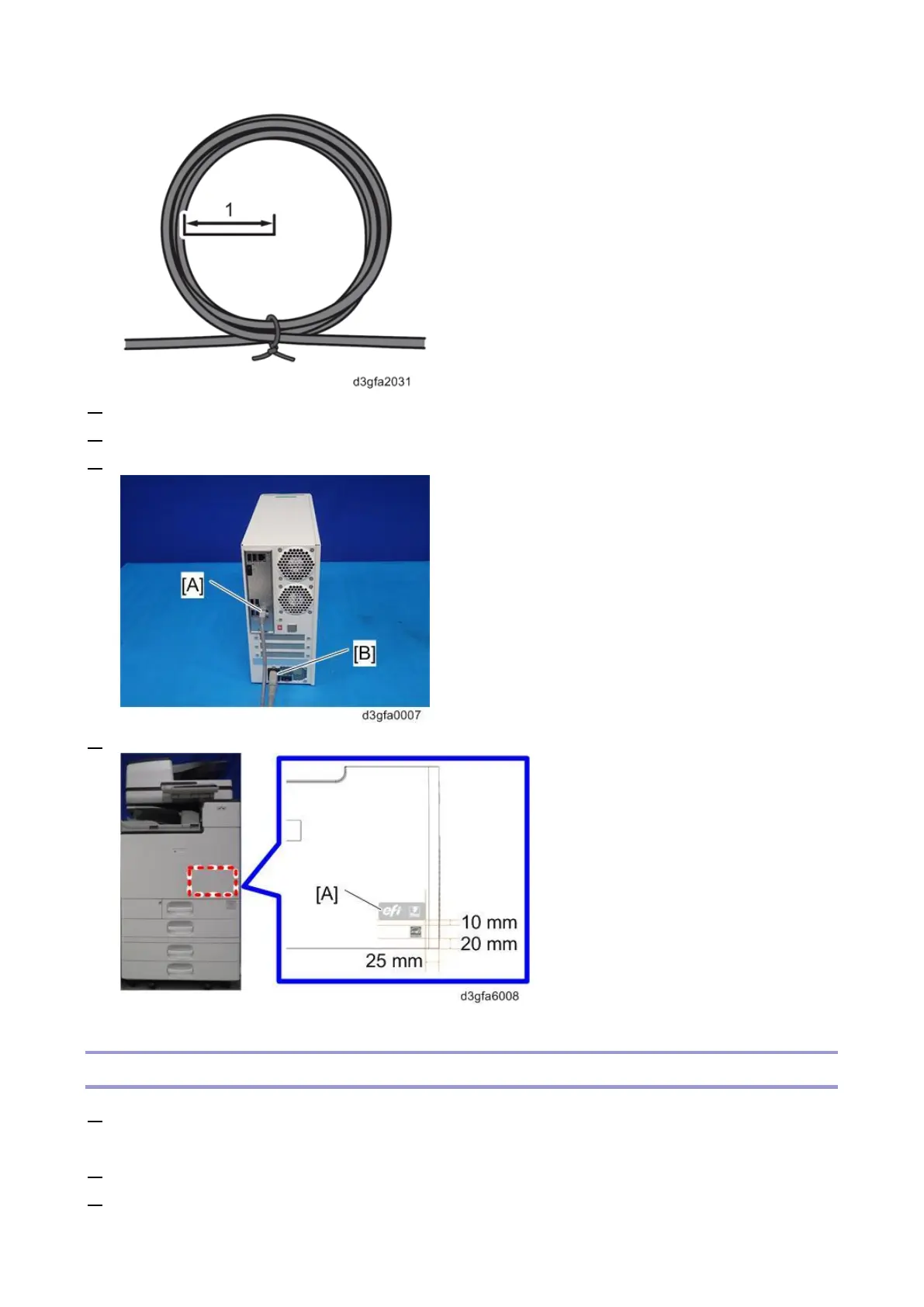
5. Connect the interface cable [A] to the lower Ethernet port of the E-25C.
6. Connect the appropriate AC power cord [B] to the power connector at the rear of the E-25C.
7. Attach the Fiery Decal [A] to the copier front cover.
Startup and Initial Setup
1. Make sure that the power cord of the copier is connected to a power outlet and turn ON the copier
main power switch.
2. Enter SP mode.
3. Change the setting of SP5193-001 from "0" to "1".



 To Next Page