3.Replacement
75
[1] J23
[2] Keychip
[3] Align notches
Memory – 4 GB DIMM (E-25C)
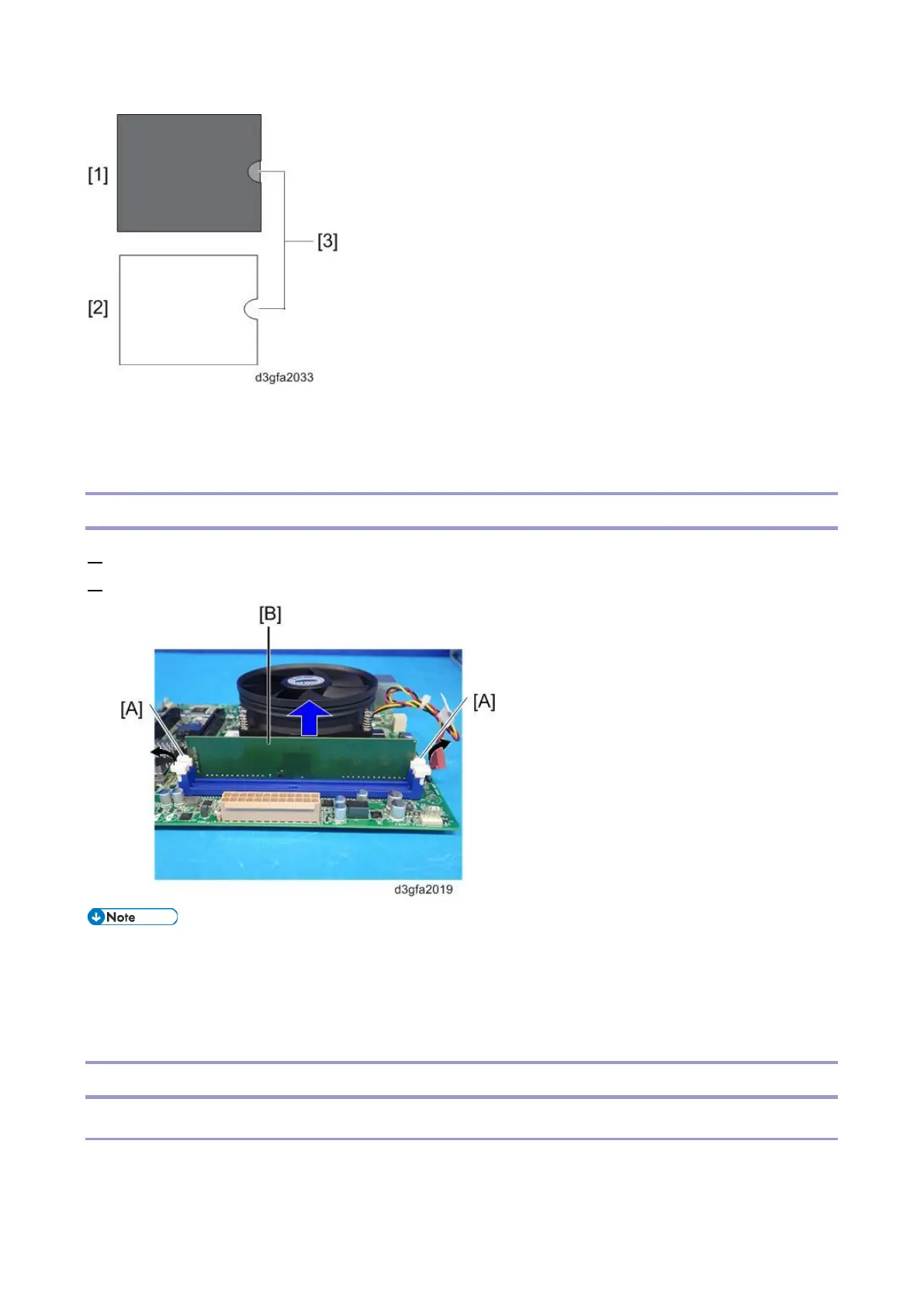
1. Push outward on the levers [A] on each side of the DIMM.
2. Slide the DIMM [B] straight out of the socket.
Always attach the DIMM [B] to the DIMM-A0 socket.
Gently slide the DIMM straight down into the socket and press so that the levers lock the
DIMM into place. Make sure that the levers close securely around the ends of the DIMM.
DIMMs fit in the socket only one way.
CPU and Cooling Assembly
Overview
You can replace the following parts.
Cooling Assembly only



 To Next Page