2.General Operations For Servicing
54
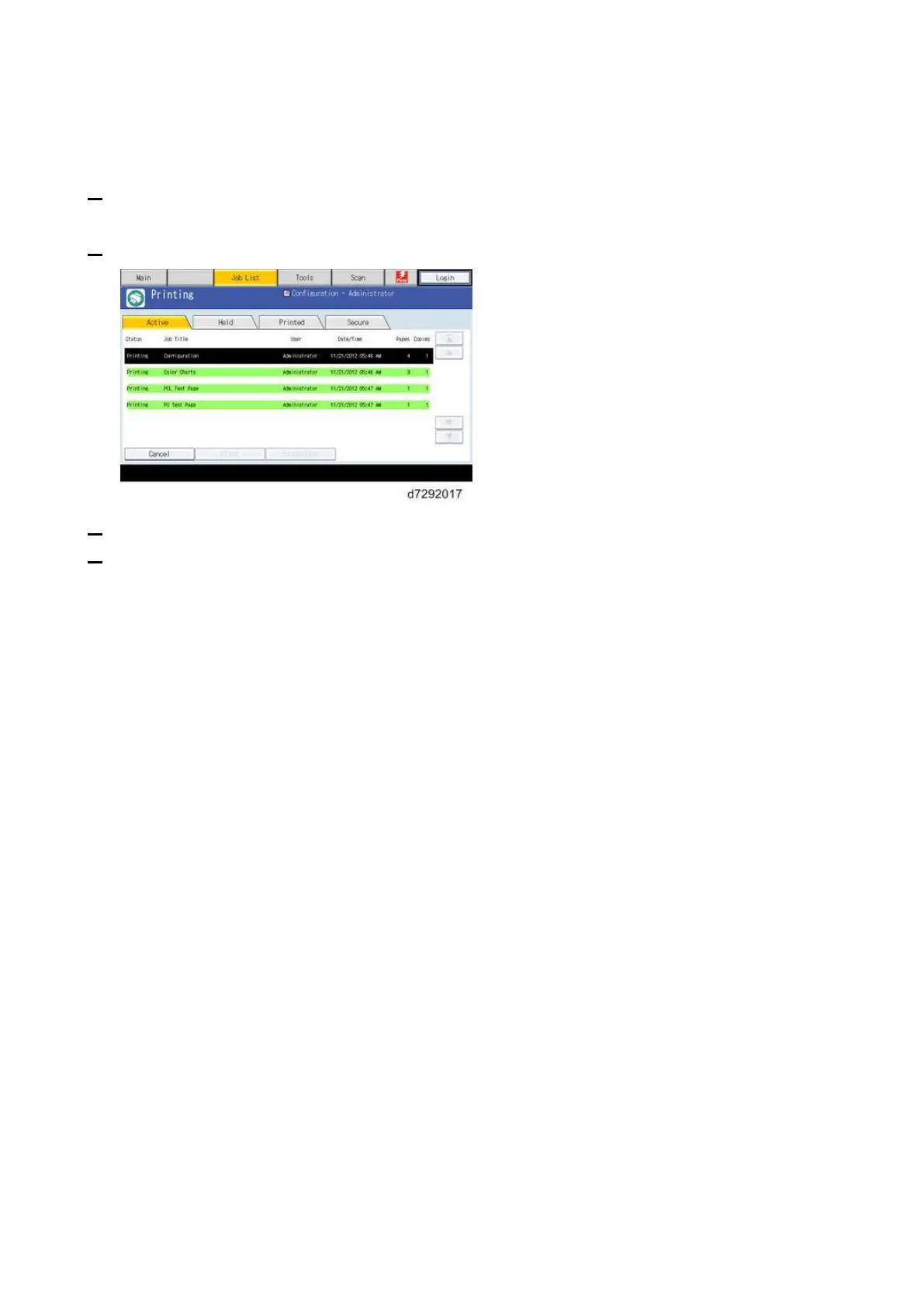
Cancelling the Current Print Job
When you want to cancel the current print job, do the following:
1. Press the Home button on the operation panel of the copier and then touch the Fiery icon to
access the Fiery menu screen.
2. Move to the Job list tab.
3. From the Job List, touch the job that you want to cancel.
4. Touch “Cancel”.



 To Next Page