1.Installation
34
<Client Option>
7. For Server Option only: Print the configuration sheet and keep it (for the case that the key chip
becomes defective). [Link to Printing the Configuration Page or Test Sheets]
<Manual Activation Procedure>
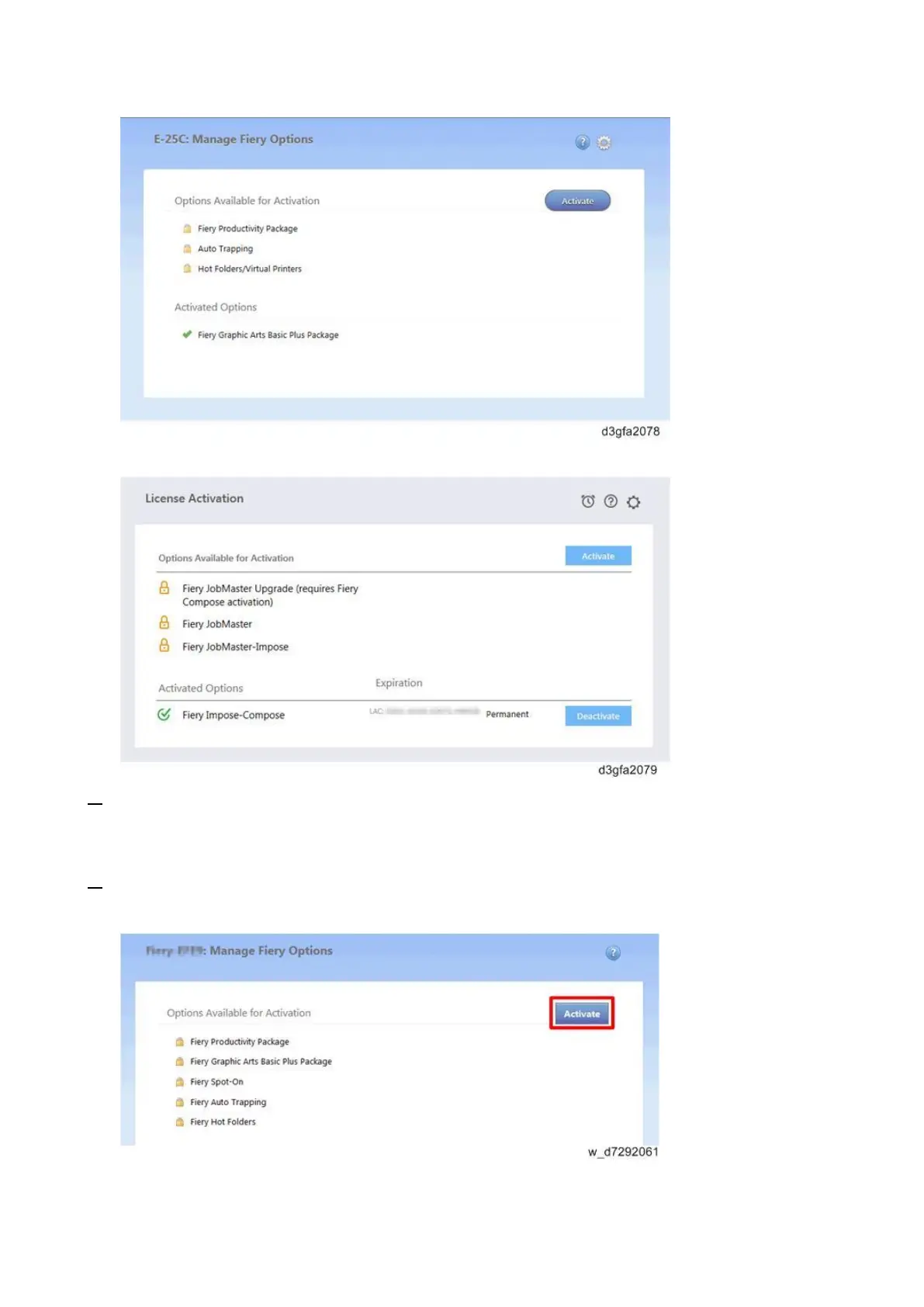
1. In the Manage Fiery Options window, click Activate.
<Manage Fiery Options window for Server Options>
<License Activation window for Client Options>



 To Next Page