30 November, 1999 COPY QUALITY TROUBLESHOOTING
7-3
Trouble-
shooting
7.1.3 DIRTY BACKGROUND
Possible Cause (Scanner)
•
Scanner shading correction error or incorrect threshold.
Action:
1. Clean the shading white roller.
2. Adjust the scanner contrast threshold settings.
Possible Cause (Printer)
•
Poor drum sensitivity.
•
The charge is improperly applied.
•
The hot roller is dirty.
Action:
1. Try replacing the cartridge.
2. Check to see if the hot roller surface is dirty.
•
If it is, clean the roller or replace the cleaning pad.
•
If not, go to step 3.
3. Check to see if all the charge bias terminals and the cartridge.
•
If they are, check or replace the power pack.
•
If not, fix the connections.
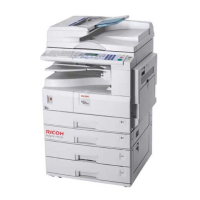
H545T502.WMF
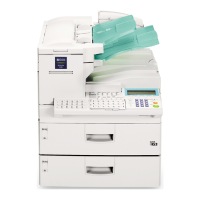
H545T503.WMF



 To Next Page
 Loading...