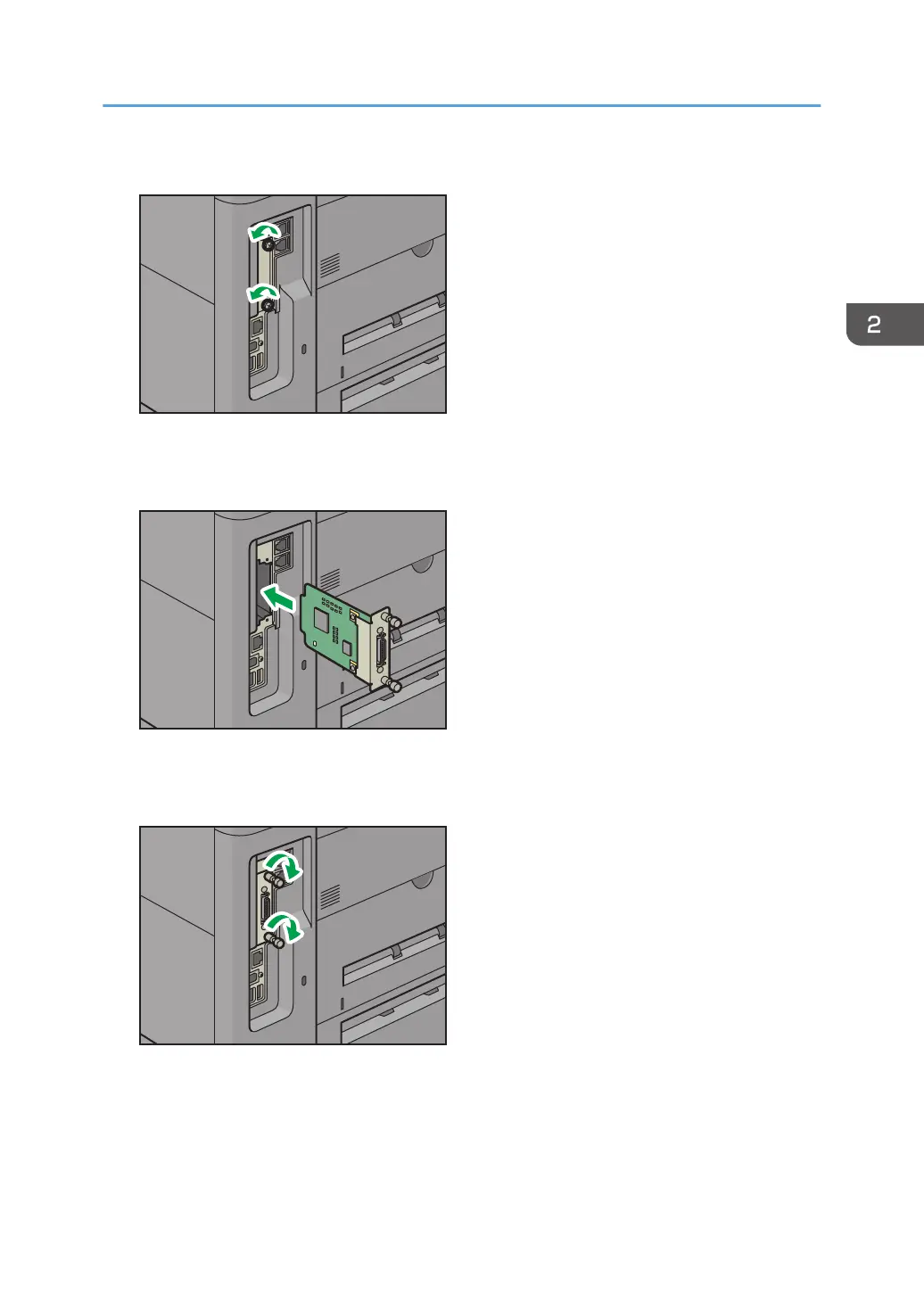
3. Loosen the two screws and remove the slot cover.
The removed cover will not be reused.
4. Fully insert the IEEE 1284 interface board.
Check that the IEEE 1284 interface board is firmly connected to the controller board.
5. Tighten the two screws to secure the interface board.
6. Plug in the power cord, and then turn on the machine.
7. Print the configuration page to confirm that the board was attached correctly.
Installing Options
35



 To Next Page