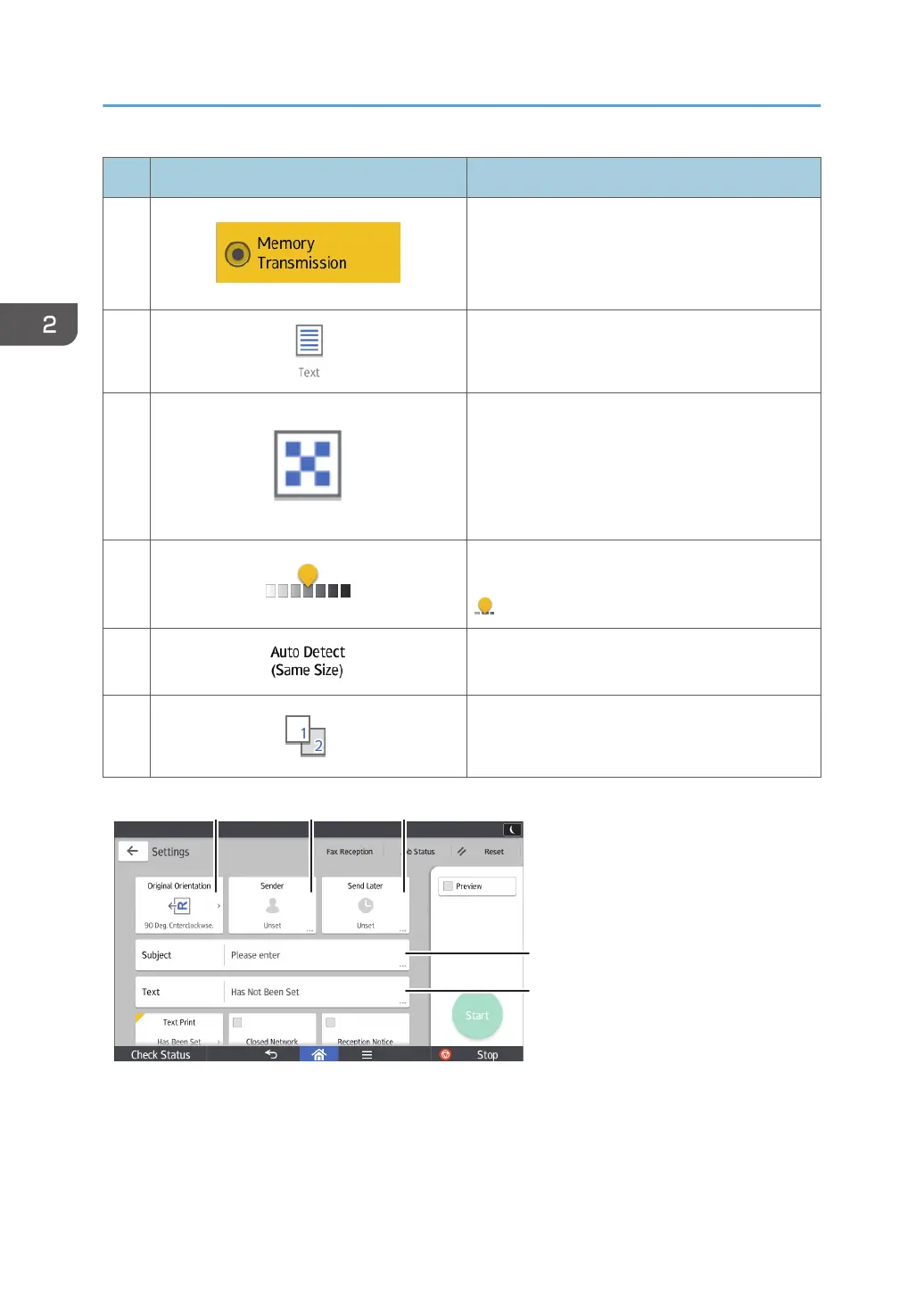
No. Icon Description
1
You can switch to immediate transmission mode.
Unless immediate transmission is selected,
memory transmission mode is selected by
default.
2
You can select an original type that is suitable for
your originals.
3
Press to select the resolution according to the
size of the text on your original.
4
Press to specify the density to scan the original.
You can also specify the density by touching the
icon and dragging it right or left.
5
Press to select the scanning size of the original.
6
Press to select the sides of the original.
2. Getting Started
58



 To Next Page