No. Icon Description
7
Press to select the orientation of the original.
8
Press to specify the sender.
9
You can specify settings to automatically send
files directly or via F-code confidential
communication at a specified time.
10
Specify the Internet Fax/E-Mail subject.
11
Specify the Internet Fax/E-Mail Text.
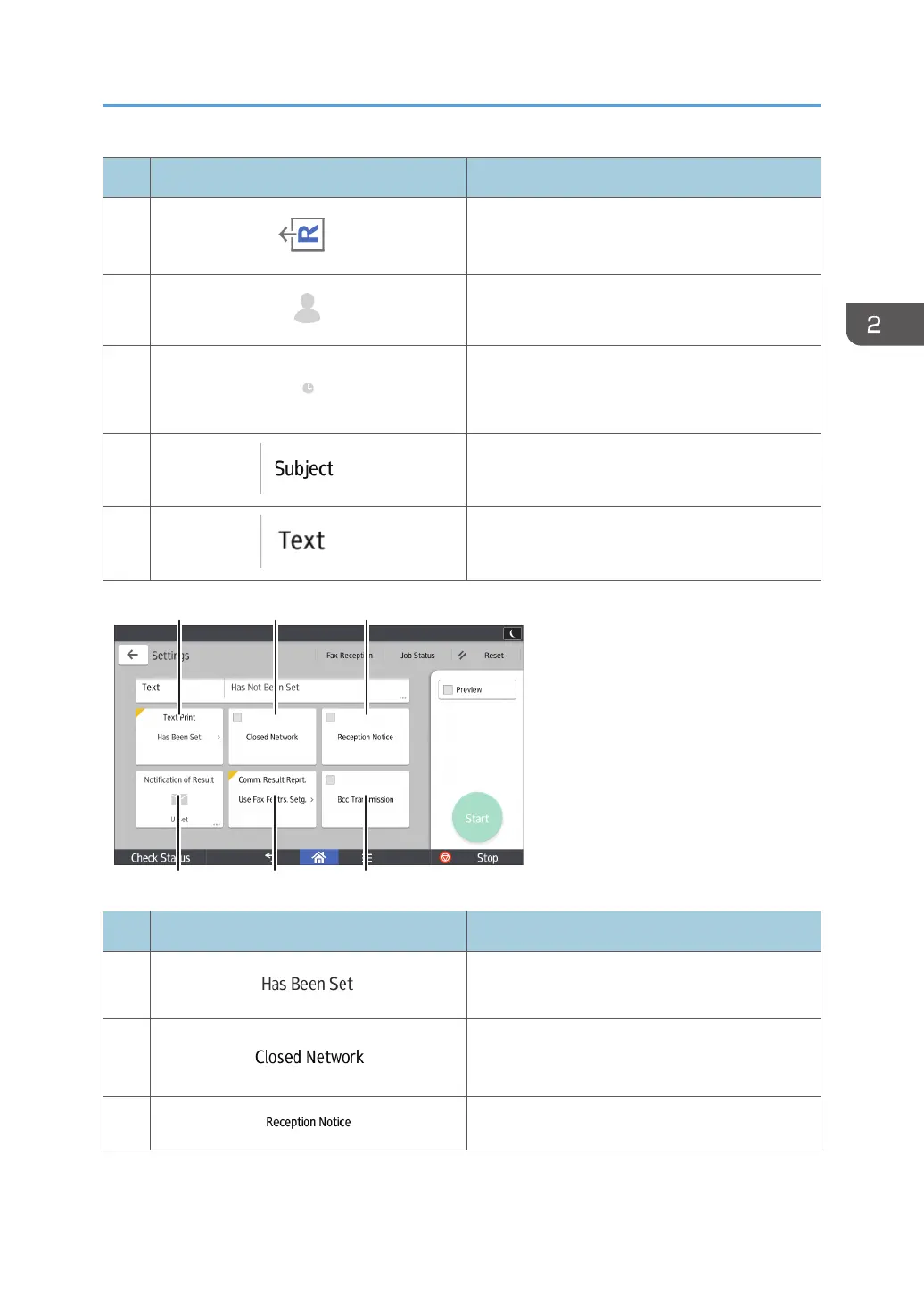
No. Icon Description
12
You can select a standard message to be
printed.
13
You can send files over a closed network.
14
Requesting Reception Confirmation.
How to Use Each Application
59



 To Next Page