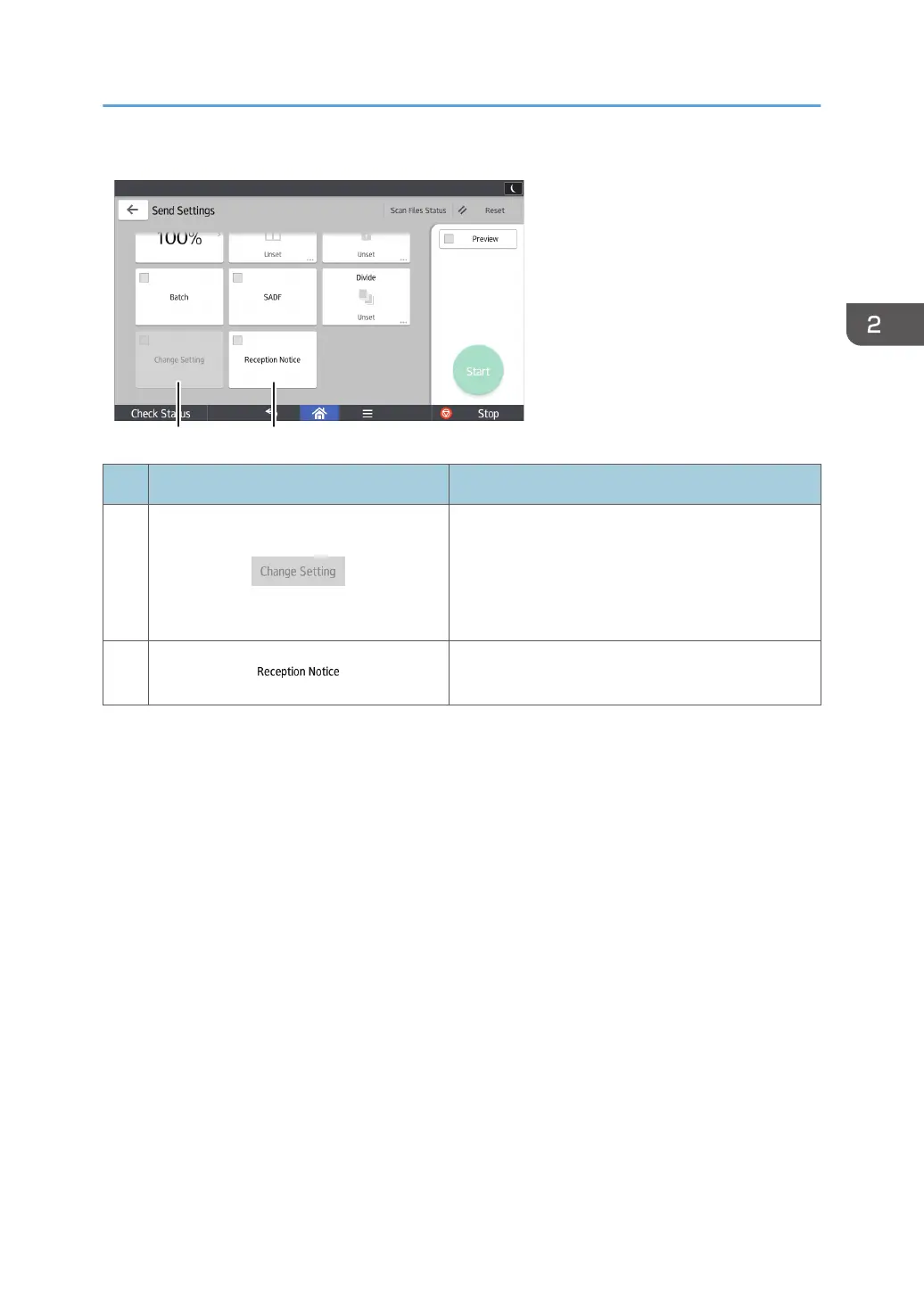
No. Icon Description
18
To switch the scan setting for additional originals to
[1 Sided Original] after scanning one side of the
last page of a batch of two-sided originals using
the exposure glass, press [Change Setting], and
then press [1 Sided Original].
19
Press this to notify the sender that the e-mail
recipient has opened the e-mail.
How to Use Each Application
65



 To Next Page