EasyManua.ls Logo

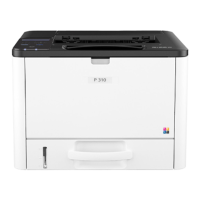
Ricoh PE-P4 - User Manual

Ricoh PE-P4
218 pages
Print Icon
To Next Page IconTo Next Page
Loading...
Model PE-P4/MF4
Machine Code:
(M199/M200/M203/M204)
Field Service Manual
14th February, 2014

Table of Contents

Questions and Answers

  • C
    Cindy WareAug 6, 2025
    What to do if Ricoh PE-P4 All in One Printer shows Serial Number Error?
    • S
      Samantha StevensAug 7, 2025
      If your Ricoh All in One Printer displays a Serial Number Error, the cause may be a defective EEPROM or the EGB was replaced without the original EEPROM. Check the serial number. If the stored serial number is incorrect, contact your supervisor.

Ricoh PE-P4 Specifications

General IconGeneral
FunctionsPrint, Copy, Scan
Print Resolution600 dpi
Copy Resolution600 dpi
Scan Resolution600 dpi
ConnectivityUSB
Operating System CompatibilityWindows

Related product manuals