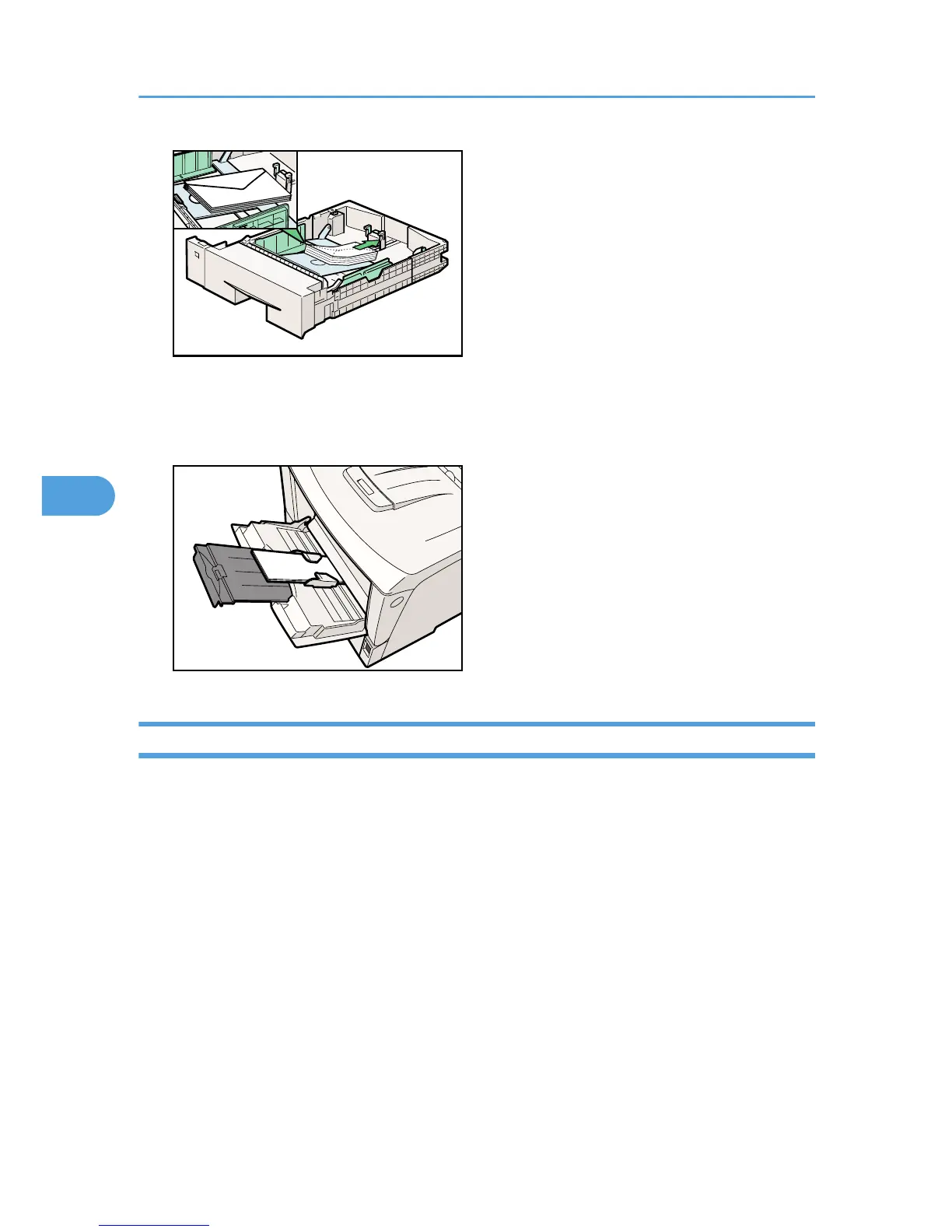
• Load envelopes with the print side facing up on the bypass tray.
• Load envelopes with flaps closed to the left side of the tray. When printing with a printer driver, select
the [Rotate by 180 degrees] check box on the "Misc." tab.
Paper Not Supported by this Printer
Avoid using the following paper as they are not supported by this printer.
• Paper meant for an ink-jet printer
• Bent, folded, or creased paper
• Curled or twisted paper
• Torn paper
• Wrinkled paper
• Damp paper
• Paper that is dry enough to emit static electricity
• Paper that has already been printed onto, except a preprinted letterhead paper.
Malfunctions are especially likely when using paper printed on by other than a laser printer (e.g.
monochrome and color copiers, ink-jet printers, etc.)
• Special paper, such as thermal paper, aluminum foil, carbon paper and conductive paper
5. Paper and Other Media
92








 To Next Page