2.Replacement and Adjustment
36
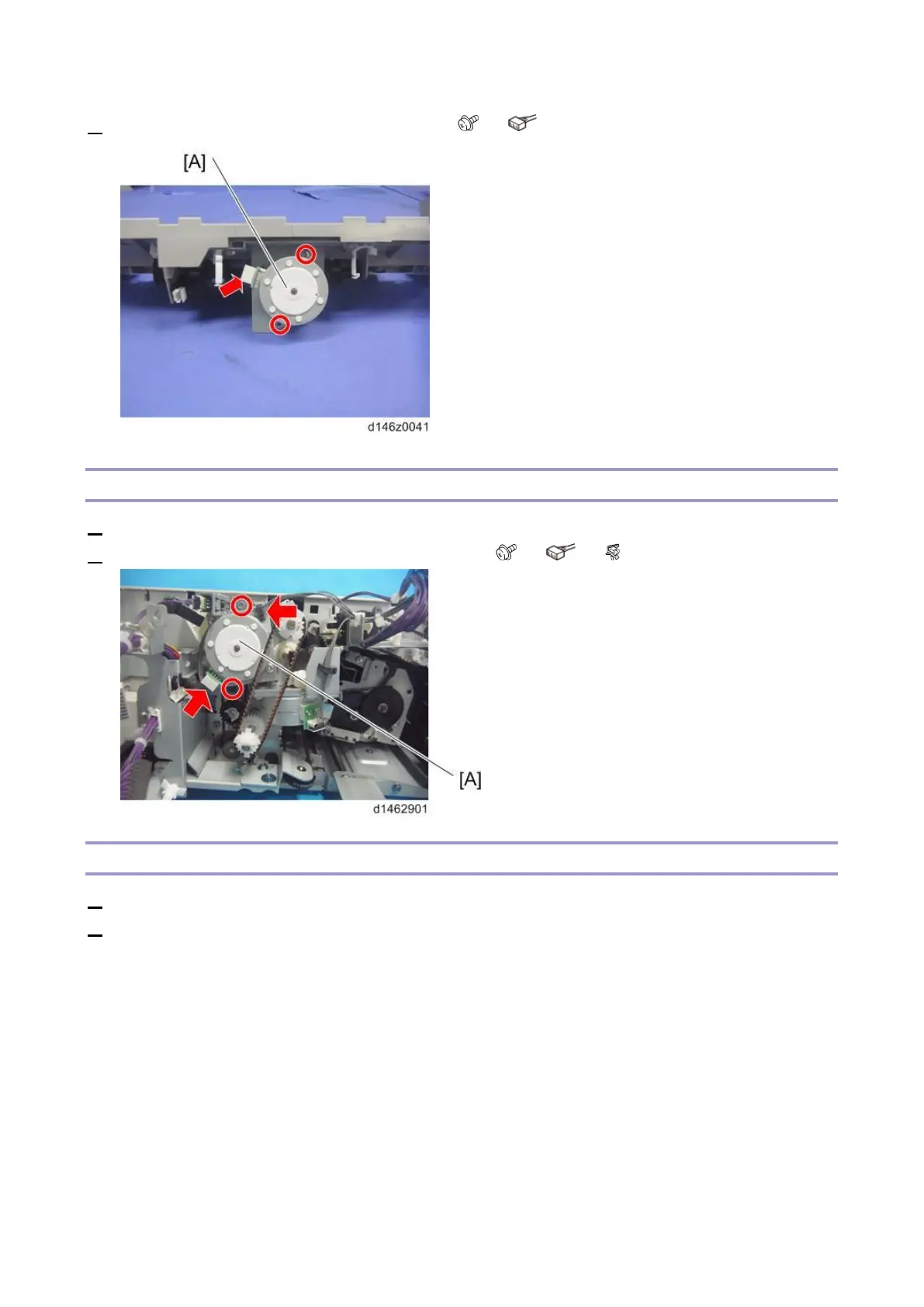
2. Remove the stack height lever motor (M6) [A] ( ×2, ×1).
Paper Exit Guide Plate Motor (M12)
1. Remove the controller board (Controller Board (PCB1)).
2. Remove the paper exit guide plate motor (M12) [A] ( ×2, ×1, ×1).
Positioning Roller Motor (M14)
1. Remove the paper exit cover (Paper Exit Cover).
2. Remove the finisher rear cover (Finisher Rear Cover).



 To Next Page