2.Replacement and Adjustment
42
Paper Exit Motor (M9)
1. Remove the following parts.
• Transport Motor (M8)
• Controller Board Bracket
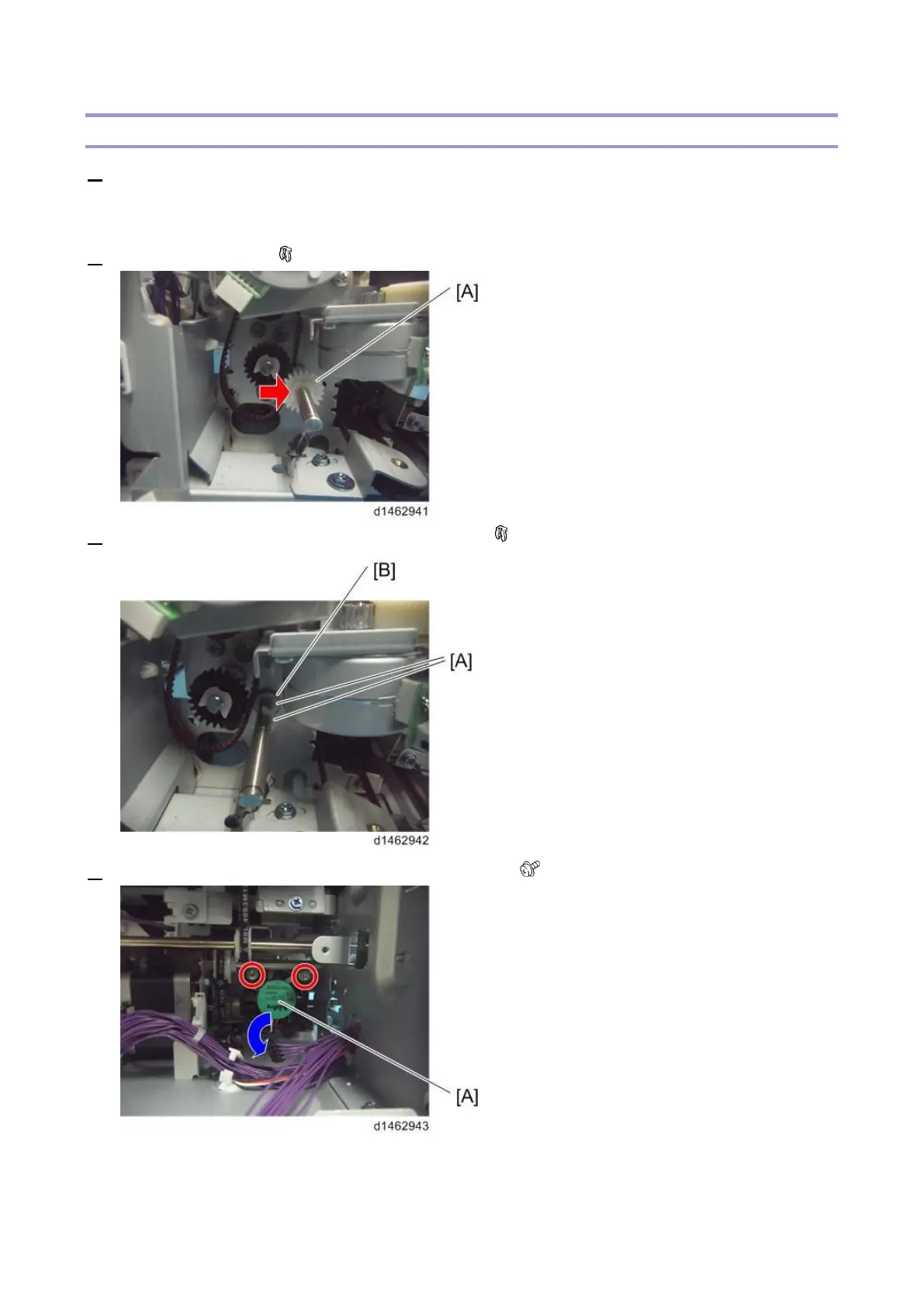
2. Remove the gear [A] ( ×1).
3. Remove the two clip rings [A] and shaft bracket [B] ( ×2).
4. Remove the screws of the fan [A] and then lay it down ( ×2).



 To Next Page