2.Replacement and Adjustment
44
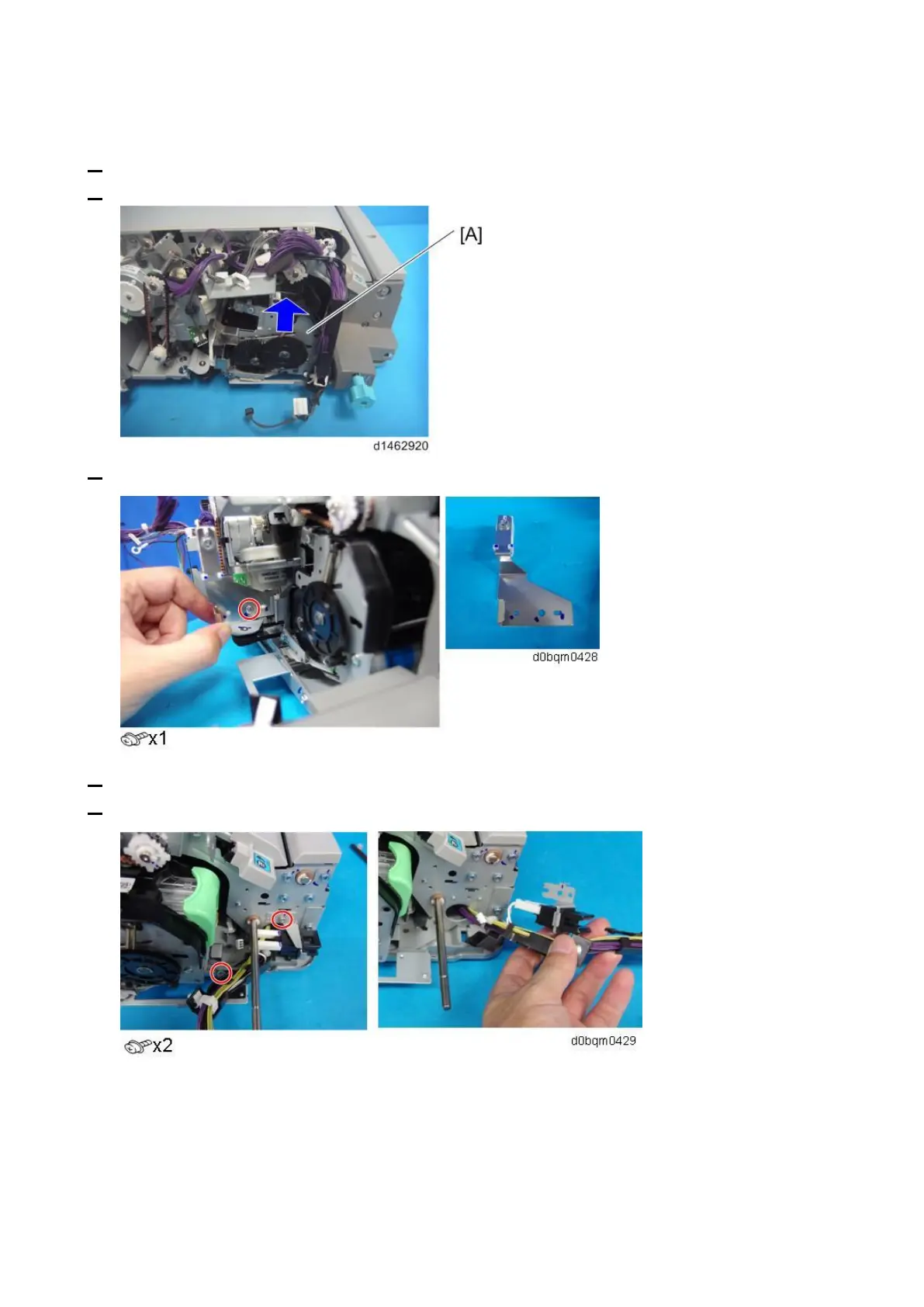
Stapler Unit
1. Remove the controller board bracket (Controller Board (PCB1)).
2. Insert the stapler unit [A] into the rear.
3. Pull the rear trailing edge fence and remove it.
4. Remove the stapler home position sensor (Stapler Move HP Sensor (S12)).
5. Release the harnesses as shown below.



 To Next Page