RIGOL
2-70 © Copyright RIGOL Technologies, Inc. 2007.
User’s Guide for DS1000 Series
Disk Manage
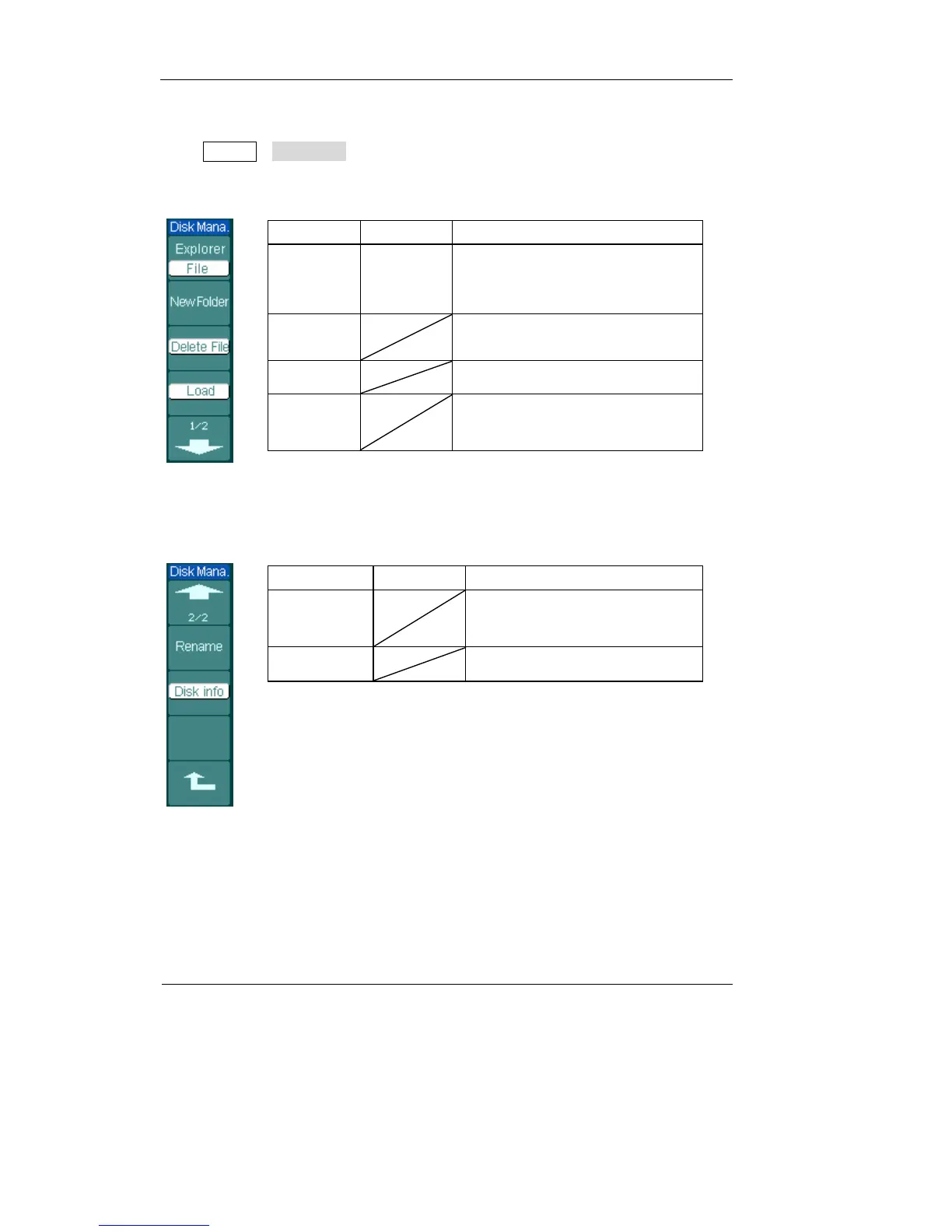
Press Storage→Disk Mana. to go to the following menu.
Figure 2-82 Table 2-50
Menu Settings Comments
Explorer
Path
Directory
File
Switch among Path, Directory and
File
New folder
To create new folder( same as new
files, see table 2-13)
Delete File Delete file
Load
Recall waveform, setup, recorded
waveform, Pass/Fail file
Figure 2-83 Table 2-51
Menu Settings Comments
Rename To rename a file (see table 2-52)
Disk info Display disk information












 To Next Page