RIGOL
2-100 © Copyright RIGOL Technologies, Inc. 2007.
User’s Guide for DS1000 Series
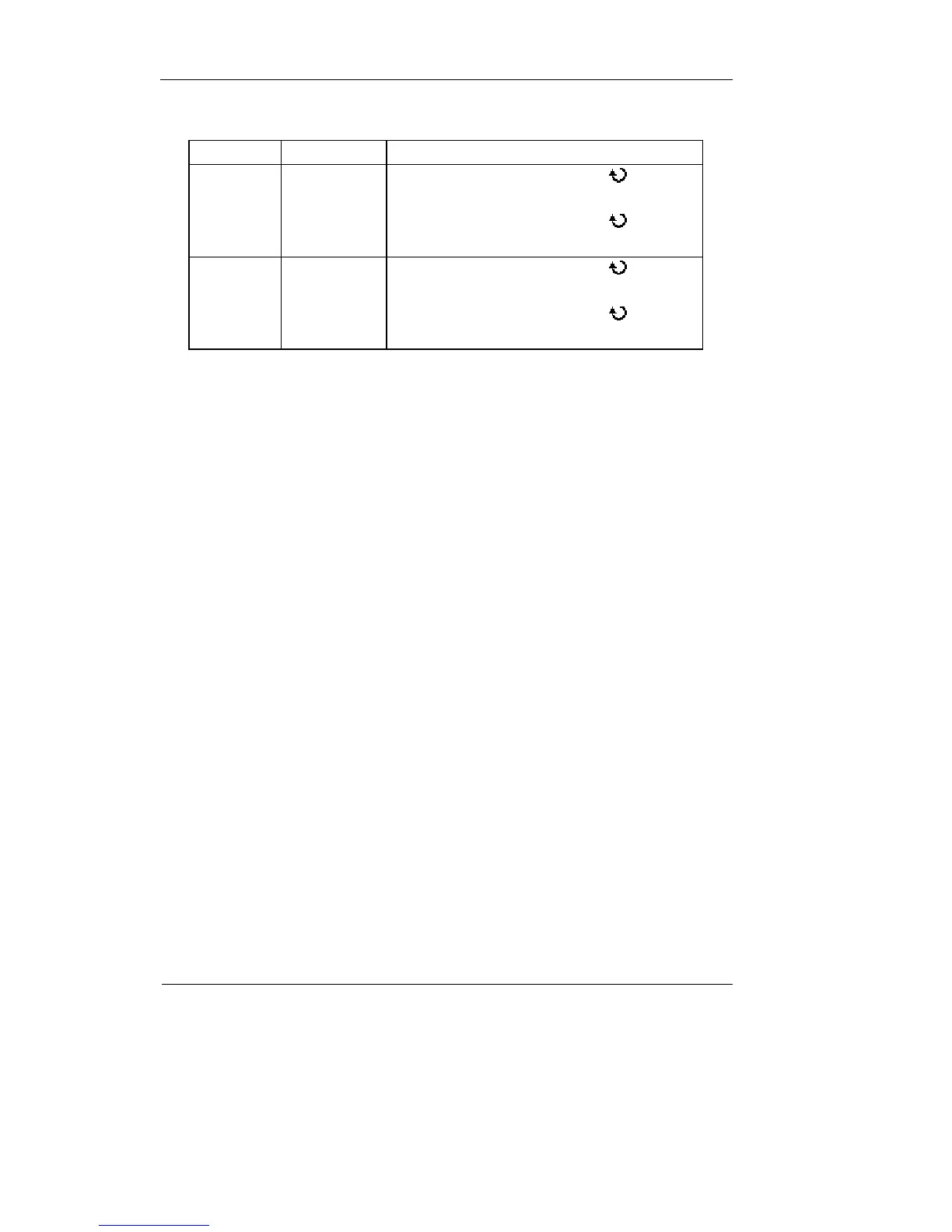
Table 2-80
Cursor Increment Operation
Cursor A
X
Y
Turn the multifunctional knob (
) to move
cursor A horizontally
Turn the multifunctional knob (
) to move
cursor A vertically
Cursor B
X
Y
Turn the multifunctional knob (
) to move
cursor B horizontally
Turn the multifunctional knob (
) to move
cursor B vertically
NOTE: Cursor could be moved only when the curse function menu is displayed.
5. To get measurement values:
Position of Cursor 1 (time cursor centered on the midpoint of screen; Voltage cursor
centered on channel ground level).
Position of Cursor 2 (same as above).
Horizontal space between cursor 1 and 2 (
△X): Time between cursors
(1/
△X), units in Hz, kHz, MHz, GHz.
Vertical space between cursor 1 and 2 (
△Y): Voltage between cursors
If you choose the source as LA (Mixed Signal Oscilloscope), the measurement value
is as follows:
Position of Cursor 1 (time cursor centered on the midpoint of screen).
Position of Cursor 2 (time cursor centered on the midpoint of screen).
Cursor 1 value: Hex.
Cursor 1 value: Binary.
Cursor 2 value: Hex.
Cursor 2 value: Binary.
NOTE: The values will be automatically displayed on the right upper corner of screen
when the cursor function menu is hidden or displaying other menus.












 To Next Page