RIGOL
2-104 © Copyright RIGOL Technologies, Inc. 2007.
User’s Guide for DS1000 Series
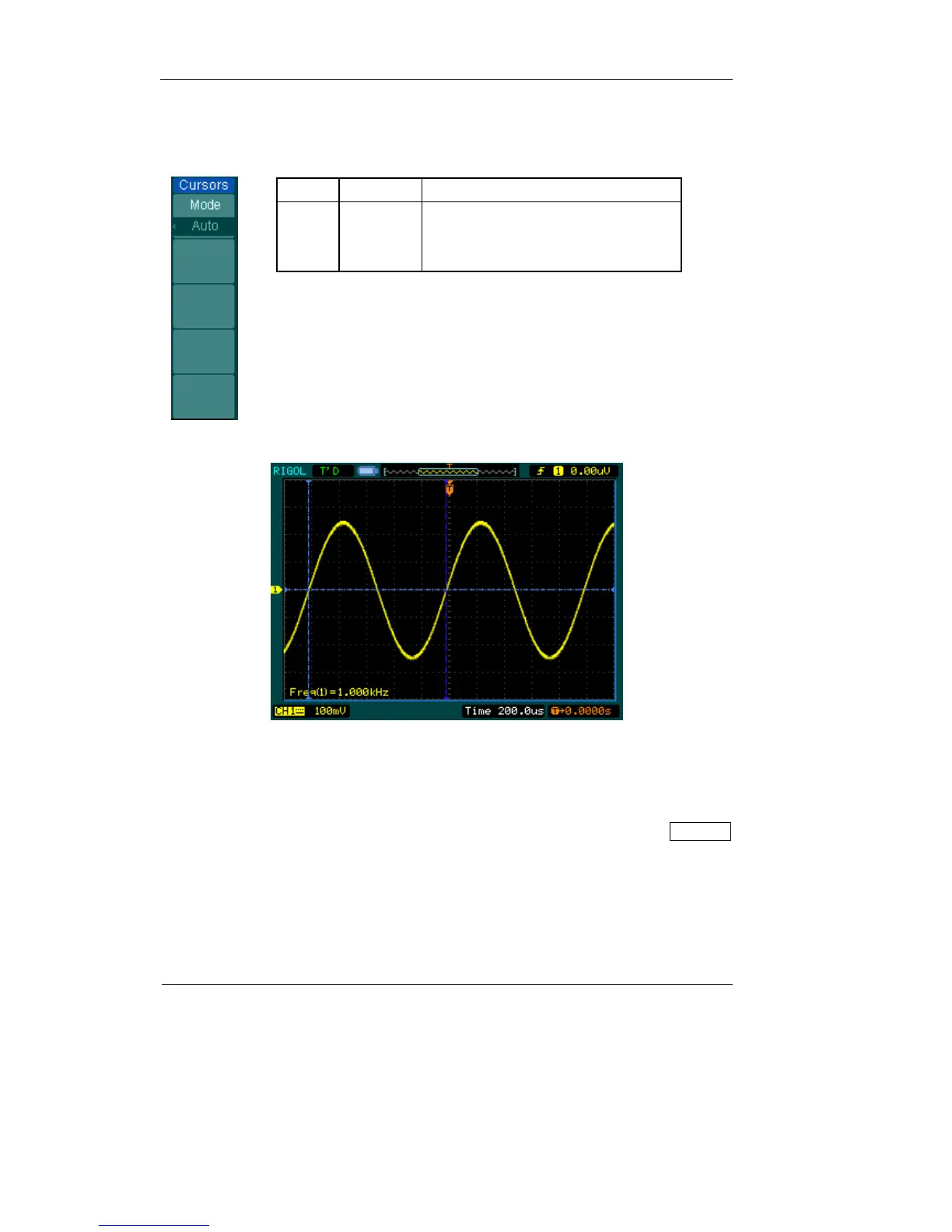
3. Auto mode:
Figure 2-122 Table 2-83
Menu Settings Comments
Mode Auto
Display the cursors for the current
automatic measuring. (See the
following figure)
Figure 2-123: Auto Measure Mode of Cursor Measurement
There will be no cursor display if no parameter were chosen in Measure menu. The
oscilloscope could move cursor automatically to measure 20 parameters in Measure
menu.












 To Next Page