RIGOL
2-4 © Copyright RIGOL Technologies, Inc. 2007.
User’s Guide for DS1000 Series
1. Channel coupling
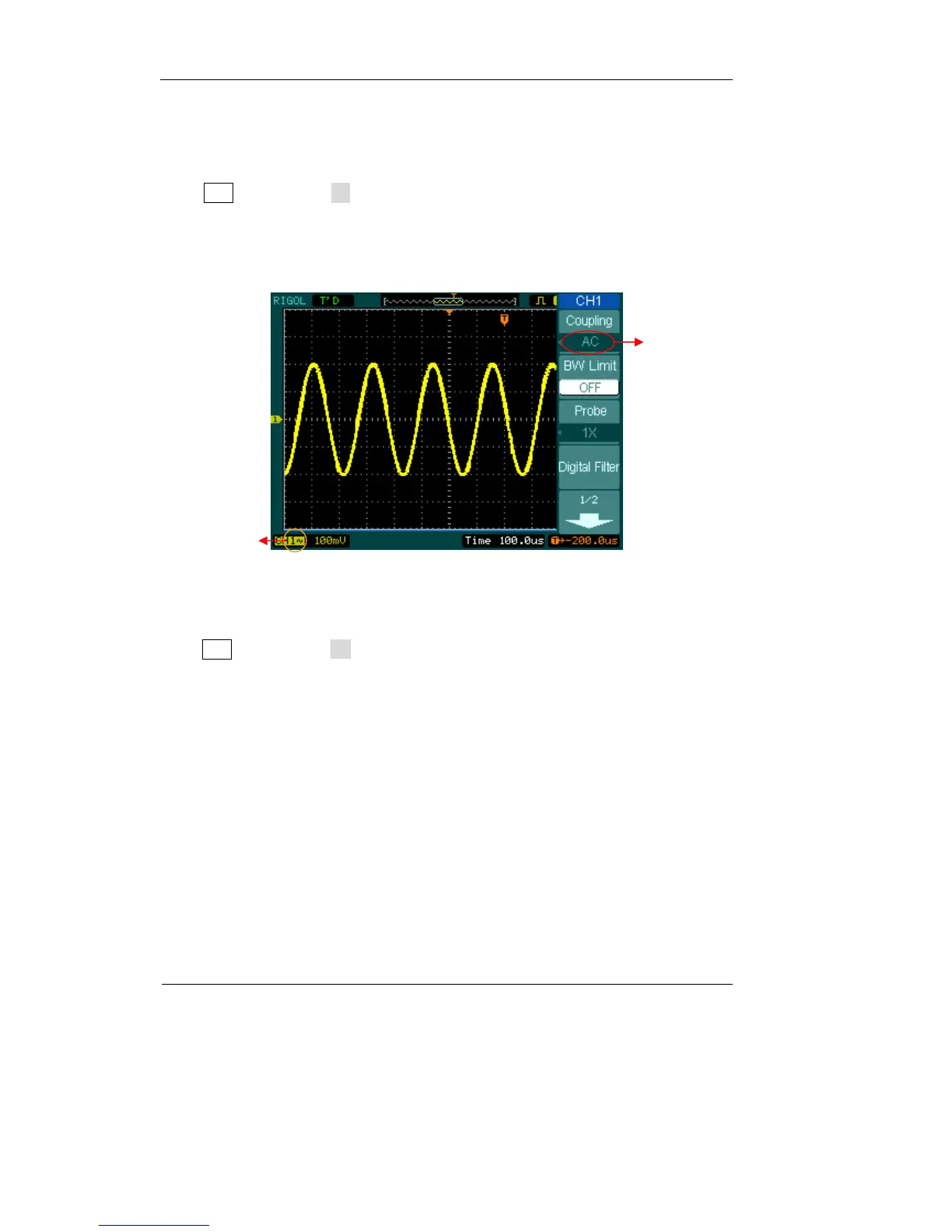
To use CH1 as an example, input a sine wave signal with DC shift
Press CH1→Coupling→AC to set coupling as “AC” of CH1. In this setting, it blocks
the DC component of the input signal.
The waveform is displayed as Figure 2-3:
Figure 2-3
Press CH1→Coupling→DC, to set coupling as “DC” of CH1. In this setting, it passes
both AC and DC components of the input signal.
AC coupling
setup
AC coupling
status symbol












 To Next Page