RIGOL
2-26 © Copyright RIGOL Technologies, Inc. 2007.
User’s Guide for DS1000 Series
Set up Cannel Group
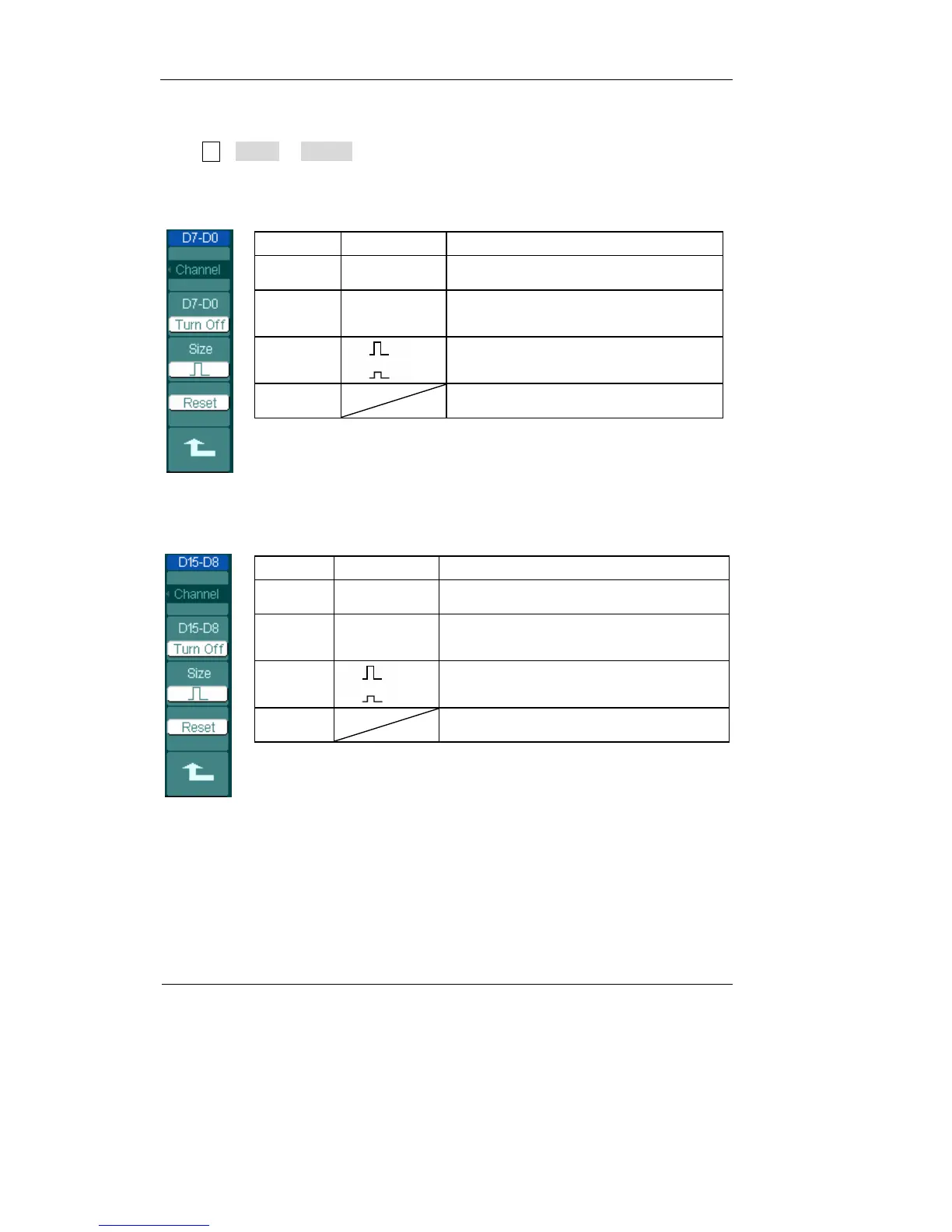
Press LA→D7-D0 or D15-D8; turn on/off the channel single, or in a group. Also you
can change the size of waveforms in 8 bits as a group. See table 2-16 and 2-17
Figure 2-34 Table 2-16
Menu Settings Comments
channel D7-D0 Turn on or off single channel of D7-D0
D7-D0
Turn on
Turn off
Turn on or off all 8 channels together
Size
Display 8 channels in a single screen
Display 16 channels in a single screen
Reset Reset waveform of channel D7-D0
Figure 2-35 Table 2-17
Menu Settings Comments
channel D15-D8 Turn on or off single channel of D15-D8
D15-D8
Turn on
Turn off
Turn on or off 8 channels together
Size
Display 8 channels in a single screen
Display 16 channels in a single screen
Reset Reset waveform of channel D15-D8












 To Next Page