RIGOL
2-28 © Copyright RIGOL Technologies, Inc. 2007.
User’s Guide for DS1000 Series
IV. Turn on/off channels
The CH1, CH2, Ext. Trigger and LA (Mixed Signal Oscilloscope) channels on DS1000
series are input channels. All functionalities applied will be based on operating the
instrument with channels. So MATH and REF can be regarded as relatively isolated
channels.
To turn on/off any one of the channels, press the corresponding button on the front
panel. The key backlight indicates the channel is currently active. Press the button
again to turn the channel off. Or when channel is currently selected, press OFF will
turn the channel off as well, and the key backlight also goes off.
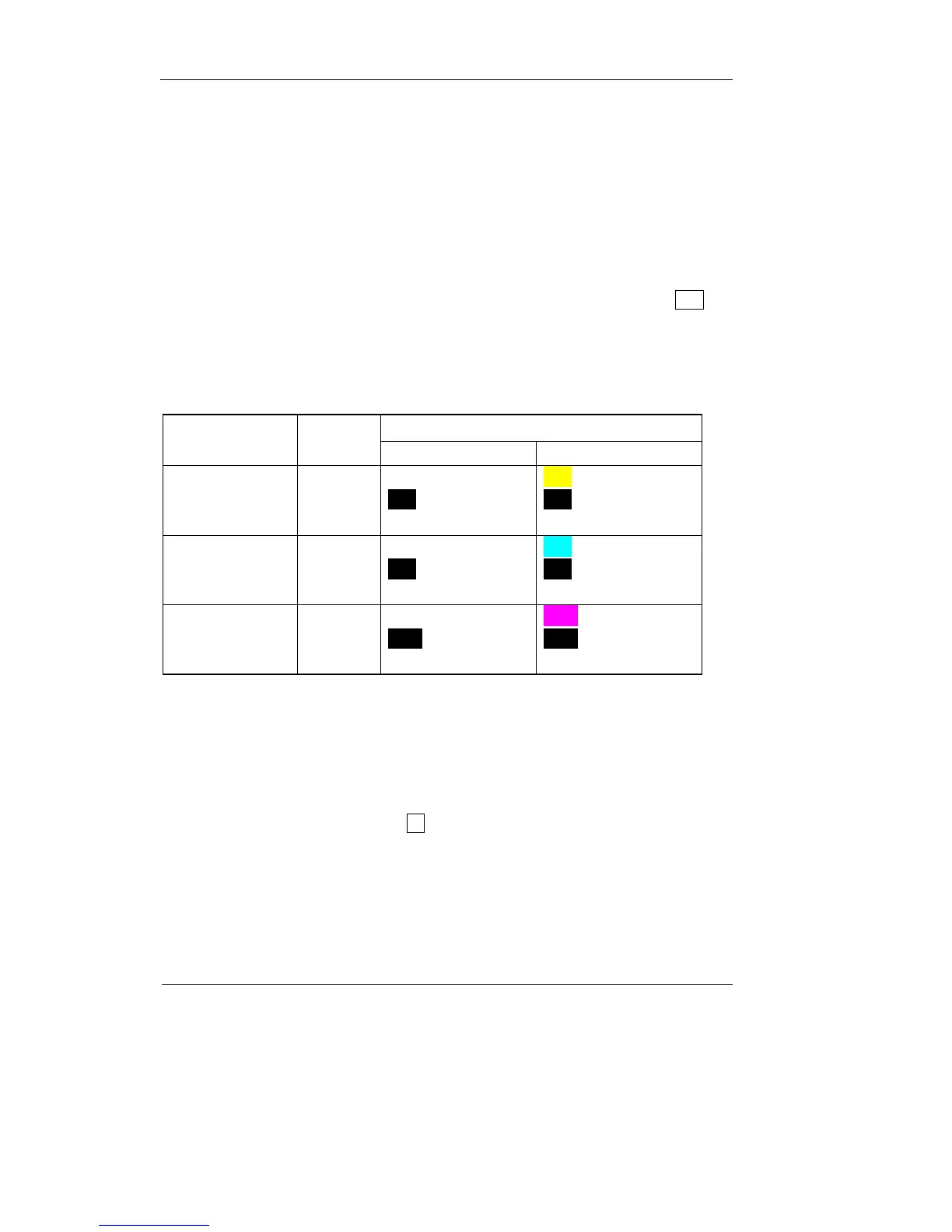
Table 2-18
Status Indicator
Channel Mode Settings
DS1000 MONO DS1000 COLOR
Channel 1 (CH1)
ON
Selected
OFF
CH1 (black letter)
CH1 (white letter)
No indicator
CH1 (black letter)
CH1 (yellow letter)
No indicator
Channel 2 (CH2)
ON
Selected
OFF
CH 2 (black letter)
CH2 (white letter)
No indicator
CH2 (black letter)
CH2 ( blue letter)
No indicator
MATH
ON
Selected
OFF
Math (black letter)
Math (white letter)
No indicator
Math (black letter)
Math (purple letter)
No indicator
Note:
The status indicators of the DS1000 Mono series in the above table are displayed
when the Screen is set as Normal. The channel status symbol is displayed at the
lower-left of the screen. Pressing LA will turn all the digital channels on/off












 To Next Page