rletech.com WiNG-MGR v2 User Guide 13
1 System Overview
1.4. Reset Button
The reset button functions as follows:
1.5. SW1 Switch Settings
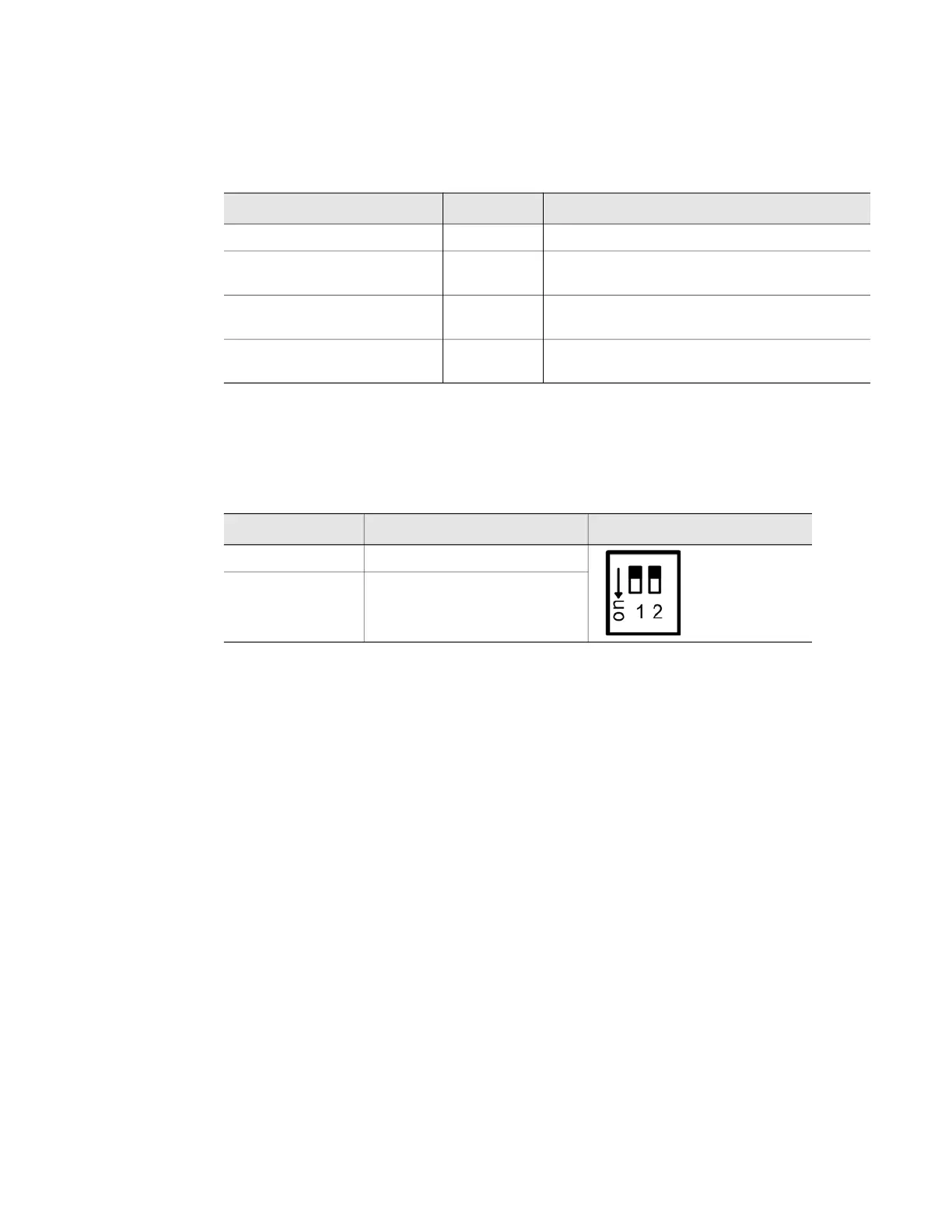
SW1 functions as follows:
Action Indicator Function
Push and hold button Solid blue Confirms button is being pushed correctly
Hold button 15 seconds Yellow Once light turns yellow, release button to
reset the Username and password
Hold button 30 seconds Red Once light turns red, release button to reset
the Username, password, and IP address
Hold button 45 seconds Off Once light turns off, release button to perform
a full factory reset of the unit.
Table 1.3
Reset Button Functions
Status Indicator Figure
SW1-1 Not used
SW1-2 EIA-485 Termination
(On=100 ohm termination)
Table 1.4
SW1 Switch Settings



 To Next Page