rletech.com WiNG-MGR v2 User Guide 27
3 Web Interface
3.1.4 Refresh
Click this icon to force a refresh of the status page.
3.1.5 System Information
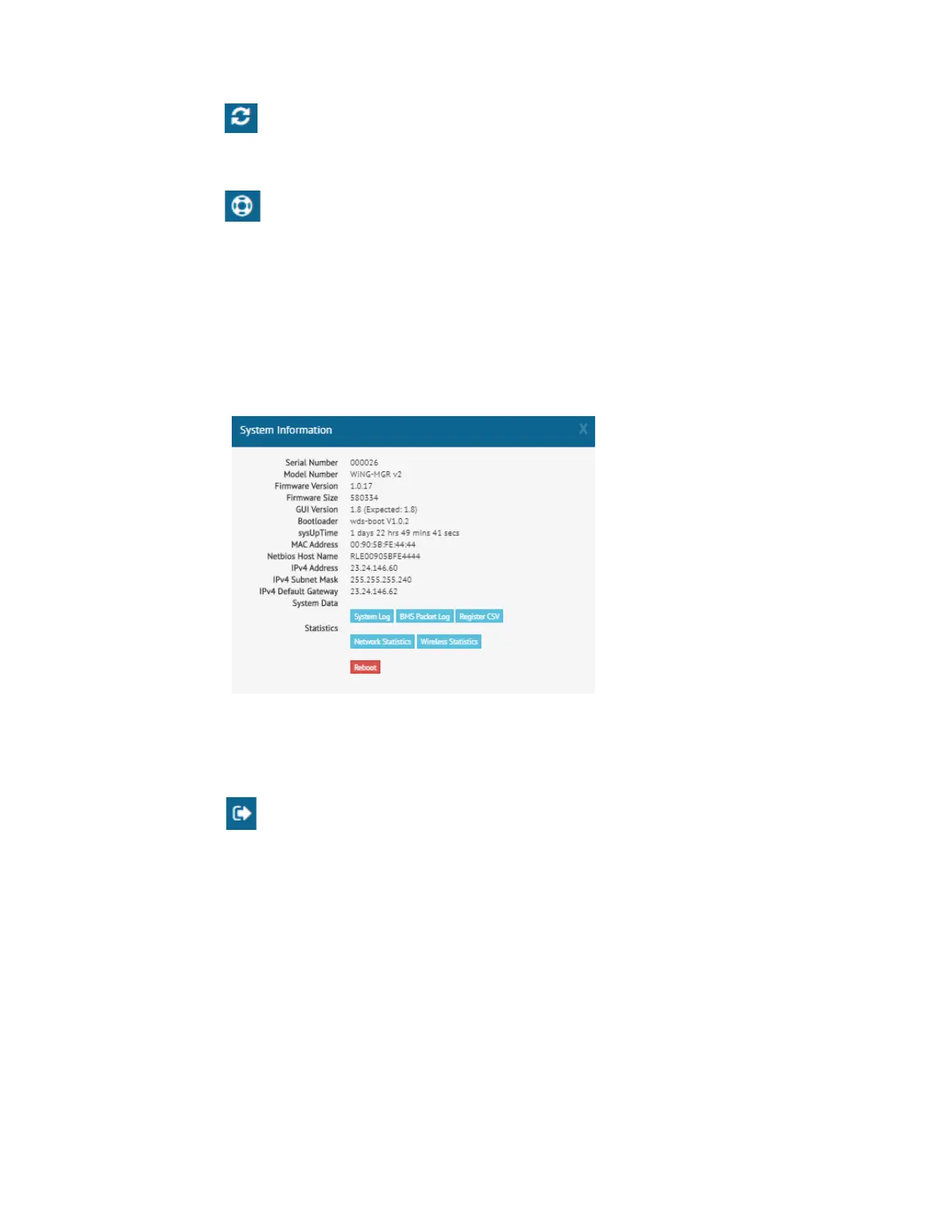
This pop up window displays a variety of information specific to your device in a singular
location. Direct links to the system log, BMS packet log, network and wireless metrics, and
the register list are also available from this modal.
There is also a button in this modal that allows the unit to be rebooted. The reboot button is
available only to users with System Administrator access to the unit.
If you need to contact RLE’s technical support team, you’ll be asked for the information found
in the system information modal window.
Figure 3.6
System Information
3.1.6 Sign In/Out
Use this option to sign into and out of the WiNG-MGR user interface.



 To Next Page