56 WiNG-MGR v2 User Guide 800.518.1519
3 Web Interface
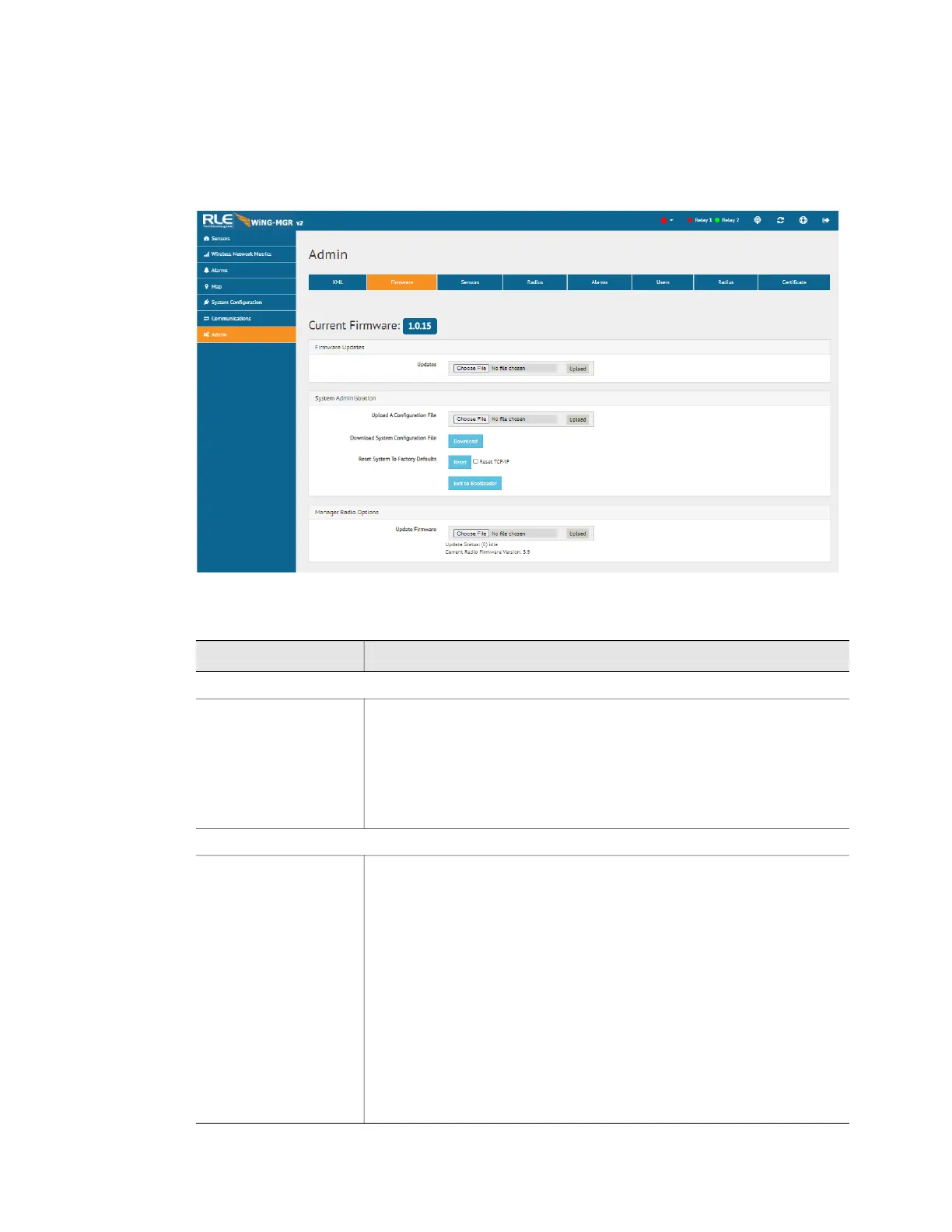
3.8.2 Firmware
RLE releases firmware upgrades that add new features and functionality to the WiNG-MGR.
Firmware updates are free of charge. Download firmware updates from the RLE website and
load them onto your system here.
Figure 3.30
Firmware Page
Attribute Description
Firmware Updates
Update Firmware Firmware updates are available, free of charge, on the RLE
Technologies website. When new firmware is available, download
the file from the website and upload the WiNG-MGR main firmware
file here. Make sure you are using v2 firmware on a WiNG-MGR v2.
Firmware designed for a WiNG-MGR v1 is not compatible with a
WiNG-MGR v2, and WiNG-MGR v2 firmware CANNOT be loaded
onto a WiNG-MGR v1.
System Administration
Upload A
Configuration File
Use this menu option to upload a system configuration file to the
WiNG-MGR.
This is a particularly useful option if you’re configuring more than one
WiNG-MGR and would like them to have the same settings, or if
you’ve updated the firmware on your unit and need to re-upload your
current system configuration file.
It is important to note that you CANNOT upload a configuration file
from a WiNG-MGR v1 into a WiNG-MGR v2. As an alternative, you
can download the sensor CSV file from a WiNG-MGR v1 and upload
it to a WiNG-MGR v2 via the Admin > Sensors page. Not all the
configuration settings will transfer, but the sensor names and their
locations will upload.
Table 3.19
Firmware Configuration Options



 To Next Page