rletech.com WiNG-MGR v2 User Guide 23
C H A P T E R
3
CHAPTER 0WEB INTERFACE
Use the WiNG-MGR web interface to monitor and configure your WiNG network. To access
the Web interface, you must first configure the WiNG-MGR to communicate via the Internet.
To set the IP address, see section 2.4., “Communication: Set the IP Address” on page 19.
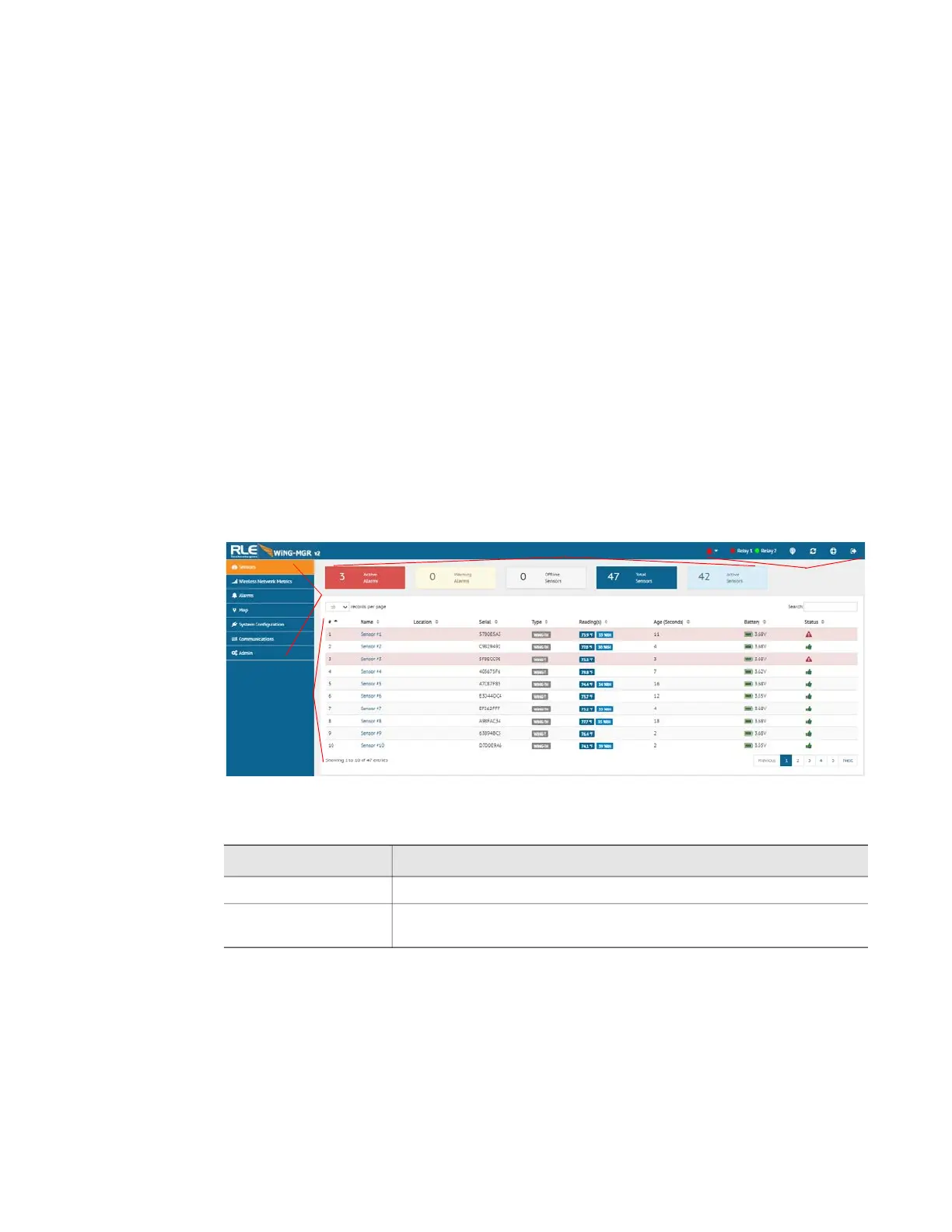
Use the Dashboard to access and view the data collected and managed by the WiNG-MGR.
Figure 3.1
Dashboard Navigation
Option Description
Header Icons Detailed in “Header Icons” on page 25
Left Side Navigation Left Side Navigation items each have their own documented
section within this chapter.
Table 3.1
Dashboard Navigation Options
A
Header Icons
B
Left Side Navigation



 To Next Page