rletech.com WiNG-MGR v2 User Guide 65
3 Web Interface
3.8.6 Users
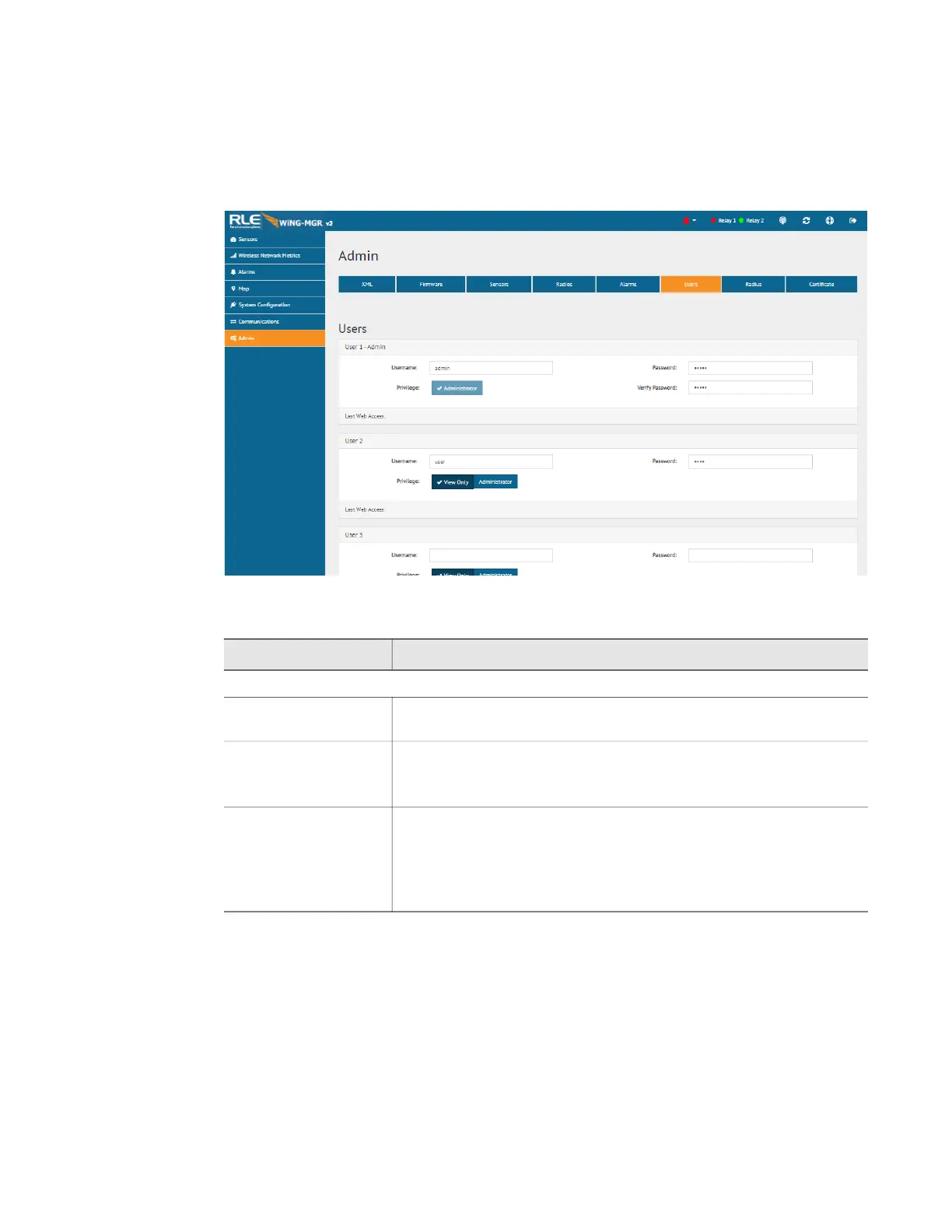
The WiNG-MGR allows you to configure user privileges for up to four unique users. User 1 is
always the Administrator’s slot. Use users 2 - 4 to either configure users with read only access,
or to configure additional Admin accounts.
Figure 3.34
Users Page
Option Description
User Configuration
Username Each user that will log into the WiNG-MGR needs their own unique
username. Enter a username in this field.
Password Assign a password for this username.
If you’re configuring User 1 - Admin, you’ll also have to verify the
password.
Privilege Select which level of access this user will have:
• View Only - This user can view pages within the web interface
but cannot make any changes to settings or configuration.
• Administrator - This user can view data and make changes to
settings and configuration options.
Table 3.23
Users Configuration Options



 To Next Page