66 WiNG-MGR v2 User Guide 800.518.1519
3 Web Interface
3.8.7 Radius
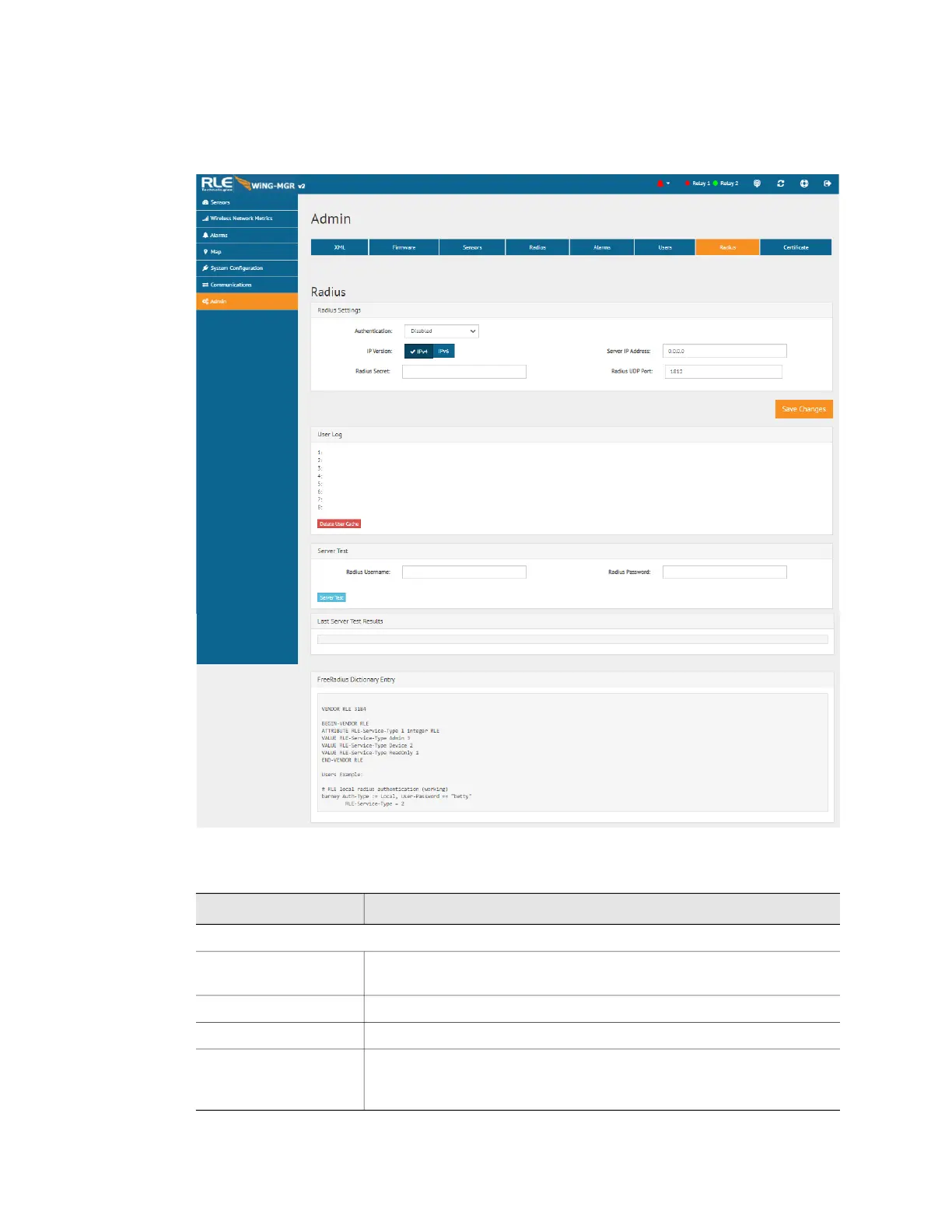
If you would like to configure Radius settings for your WiNG-MGR, do so here.
Figure 3.35
Radius Page
Option Description
Radius Settings
Authentication Use the drop down menu to enable or disable RADIUS
authentication.
IP Version Designate the IP version for communications.
Server IP Address Enter the IP address of the RADIUS or LDAP server.
Radius Secret Enter the RADIUS secret. The secret is used between the RADIUS
client and the RADIUS server to encrypt passwords. The secret is
administered by the server and must be known to the client.
Table 3.24
Radius Configuration Options



 To Next Page