rletech.com WiNG-MGR v2 User Guide 51
3 Web Interface
3.7.5 SMTP
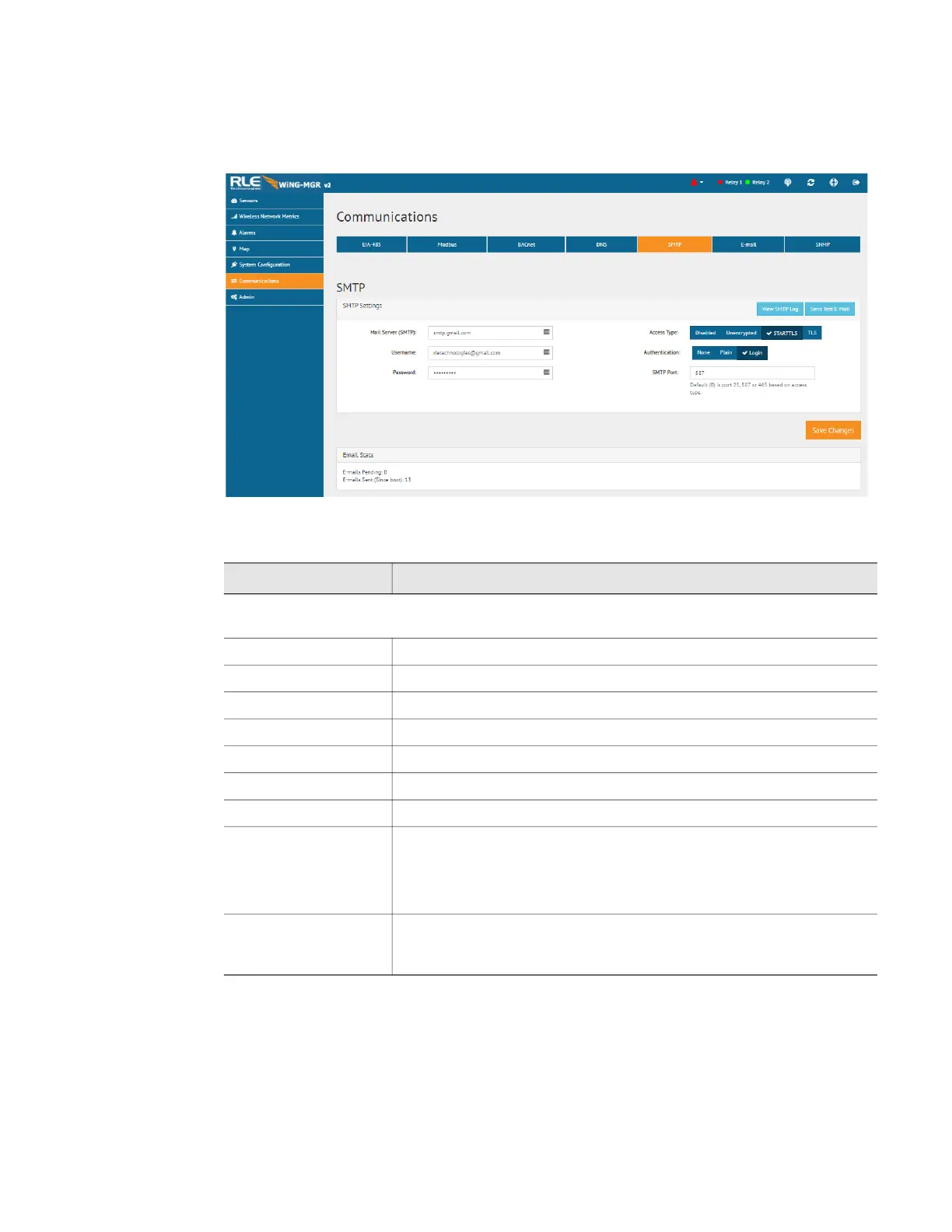
Configure SMTP settings through this page.
Figure 3.26
SMTP Configuration
Option Description
SMTP Settings - Contact your IT department for the correct SMTP configuration settings for
each of these fields.
View SMTP Log Click this link to view all logged email messages.
Send Test E-Mail Click this link to send a test e-mail from your configured address.
Mail Server (SMTP) Enter the URL of your SMTP server.
Username Default setting: Blank
Password Default setting: Blank
Access Type Default setting: Disabled
Authentication Default setting: None
SMTP Port The default of 0 will automatically change based on the Access Type
to either 25 (unencrypted), 587(STARTTLS) or 465(TLS).
Default setting: 0 = Port 25
Email Stats Refer to this field to see how many email messages are pending and
how many have been sent by the WiNG-MGR. This is a quick way to
check if email notifications are being sent by the WiNG-MGR.
Table 3.15
SMTP Configuration Options



 To Next Page