Robustel R3000 Quad User Guide
RT_UG_R3000 Quad_v.3.0.0 28 May, 2017 28 / 131
Confidential
3.4 Control Panel
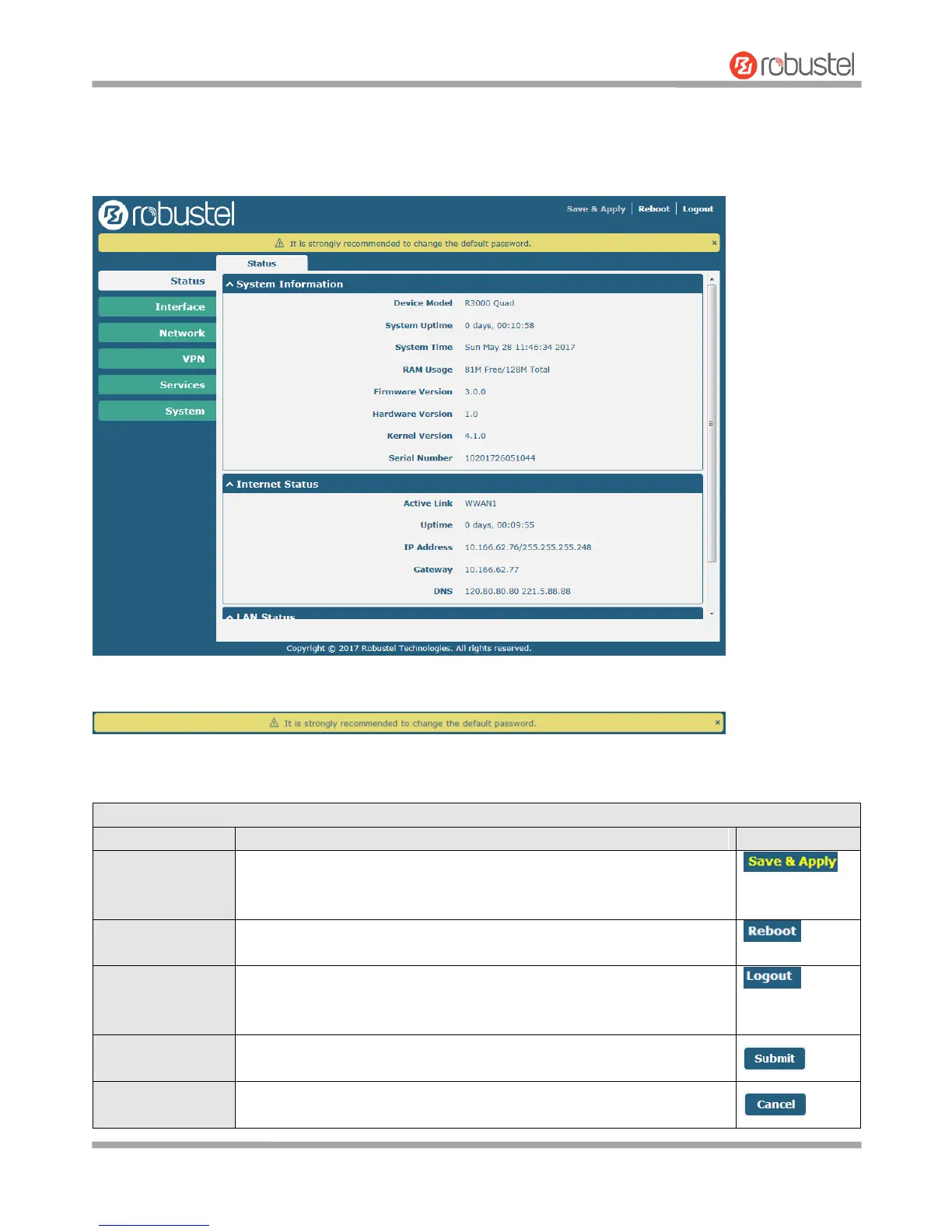
After logging in, the home page of the R3000 Quad Router’s web interface is displayed, for example.
Using the original password to log in the router, the page will pop up the following tab
It is strongly recommended for security purposes that you change the default username and/or password. To change
your username and/or password, see 3.34 System > User Management.
Click to save the current configuration into router’s flash and apply the
modification on every configuration page, to make the modification
taking effect.
Click to reboot the router. If the Reboot button is yellow, it means that
some completed configurations will take effect only after reboot.
Click to log the current user out safely. After logging out, it will switch to
login page. Shut down web page directly without logout, the next one can
login web on this browser without a password before timeout.
Click to save the modification on current configuration page.
Click to cancel the modification on current configuration page.













 To Next Page