Robustel R3000 Quad User Guide
RT_UG_R3000 Quad_v.3.0.0 28 May, 2017 68 / 131
Confidential
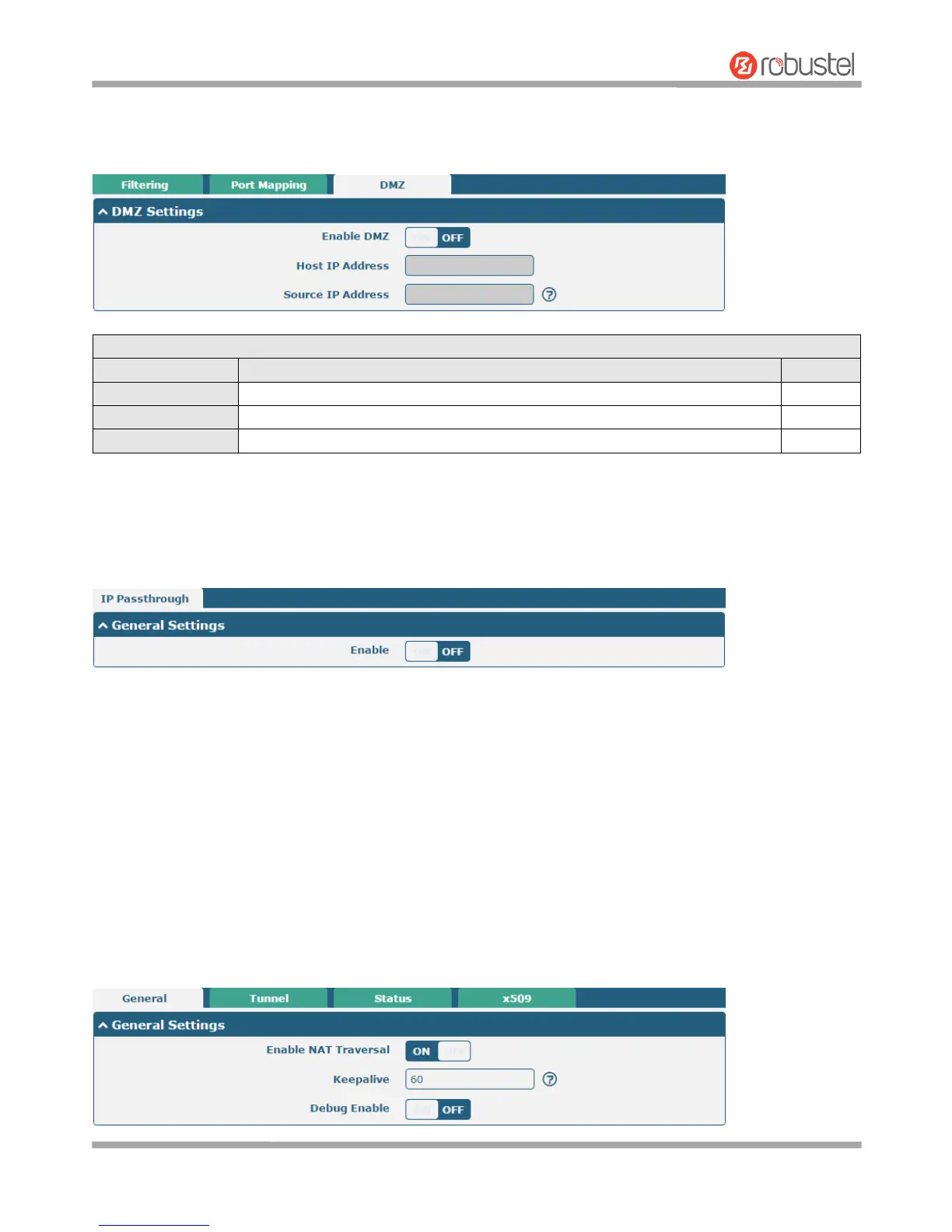
DMZ
DMZ host is a host on the internal network that has all ports exposed, except those ports otherwise forwarded.
3.15 Network > IP Passthrough
Click Network > IP Passthrough > IP Passthrough to enable or disable the IP Pass-through option.
If router enables the IP Pass-through, the terminal device (such as PC) will enable the DHCP Client mode and connect
to LAN port of the router; and after the router dial up successfully, the PC will automatically obtain the IP address and
DNS server address which assigned by ISP.
3.16 VPN > IPsec
This section allows you to set the IPsec and the related parameters. Internet Protocol Security (IPsec) is a protocol
suite for secure Internet Protocol (IP) communications that works by authenticating and encrypting each IP packet of
a communication session.
General













 To Next Page