Robustel R3000 Quad User Guide
RT_UG_R3000 Quad_v.3.0.0 28 May, 2017 97 / 131
Confidential
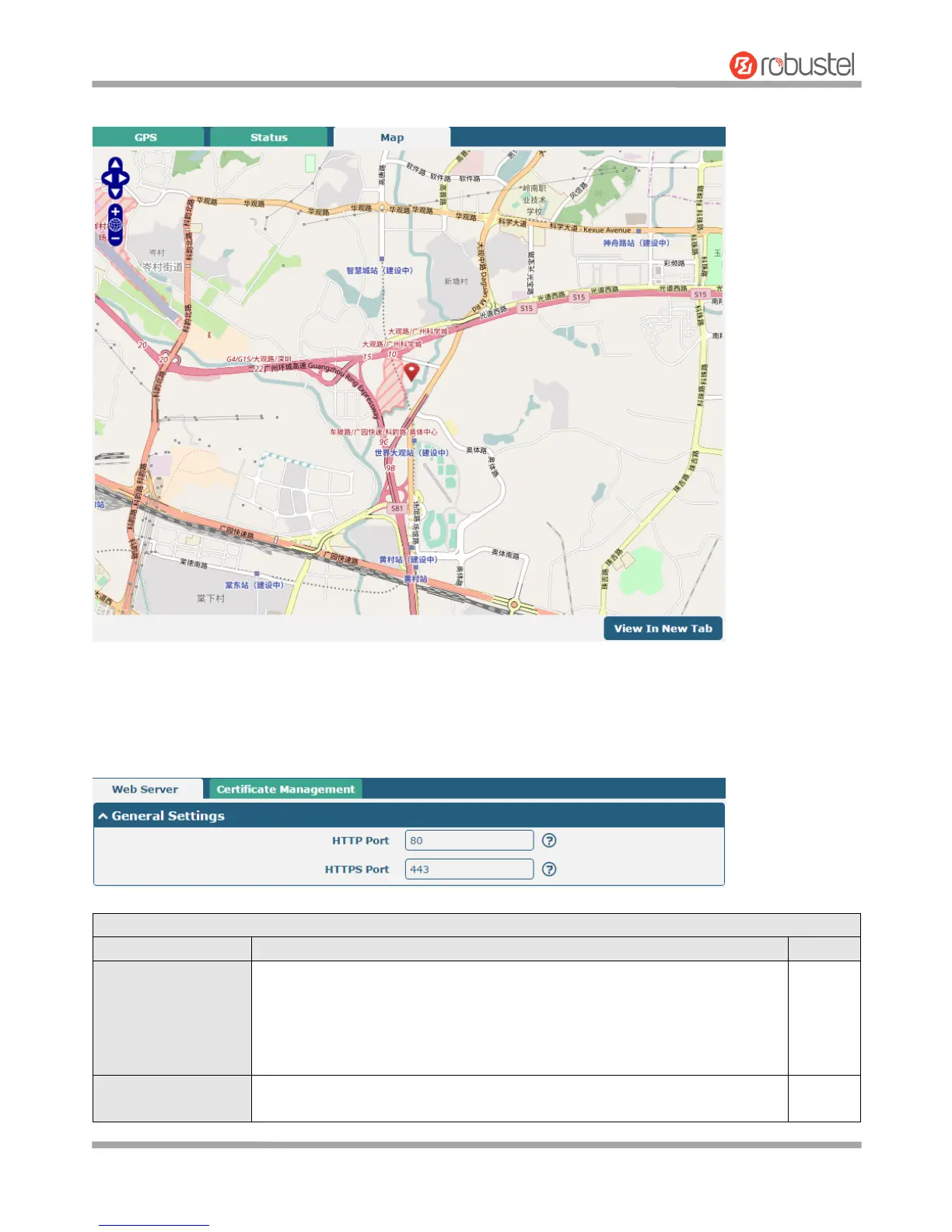
Click “Map” column to view the current location of the router.
3.27 Services > Web Server
This section allows you to modify the parameters of Web Server.
General Settings @ Web Server
Enter the HTTP port number you want to change in router’s Web Server. On a
Web server, port 80 is the port that the server "listens to" or expects to receive
from a Web client. If you configure the router with other HTTP Port number
except 80, only adding that port number then you can login router’s Web
Server.
Enter the HTTPS port number you want to change in router’s Web Server. On a
Web server, port 443 is the port that the server "listens to" or expects to













 To Next Page