Robustel R3000 Quad User Guide
RT_UG_R3000 Quad_v.3.0.0 28 May, 2017 99 / 131
Confidential
None: Meaningless indication, and the LED is off
OpenVPN: USR indicator showing the OpenVPN status
IPSec: USR indicator showing the IPsec status
WiFi: USR indicator showing the WiFi status
Note: For more details about USR indicator, see “2.1 LED Indicators”.
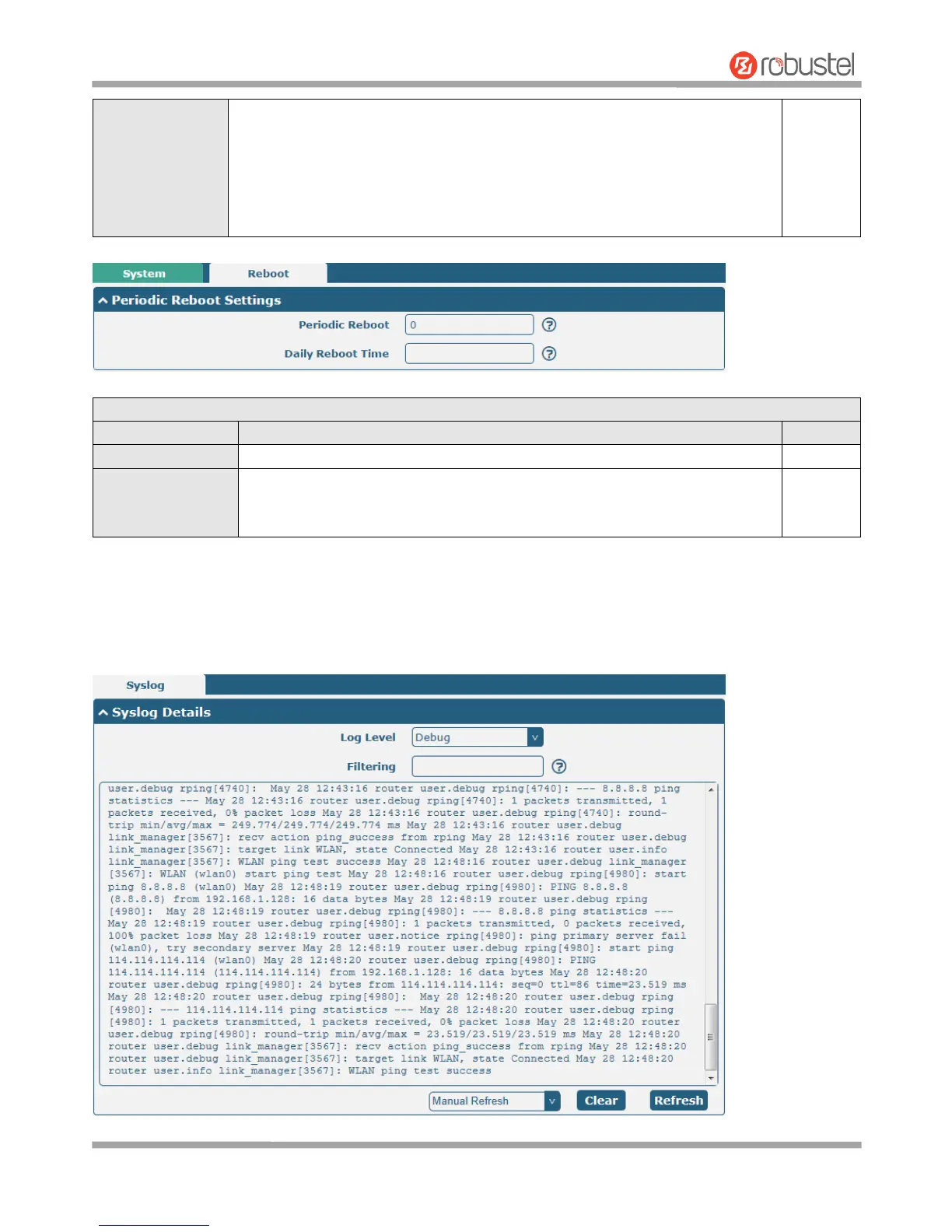
Set the reboot period of the router. 0 means disable.
Set the daily reboot time of the router. You should follow the format as HH:
MM, in 24h time frame, otherwise the data will be invalid. Leave it empty means
disable.
3.29 System > Debug
This section allows you to check and download the syslog details.













 To Next Page