Robustel R3000 Quad User Guide
RT_UG_R3000 Quad_v.3.0.0 28 May, 2017 106 / 131
Confidential
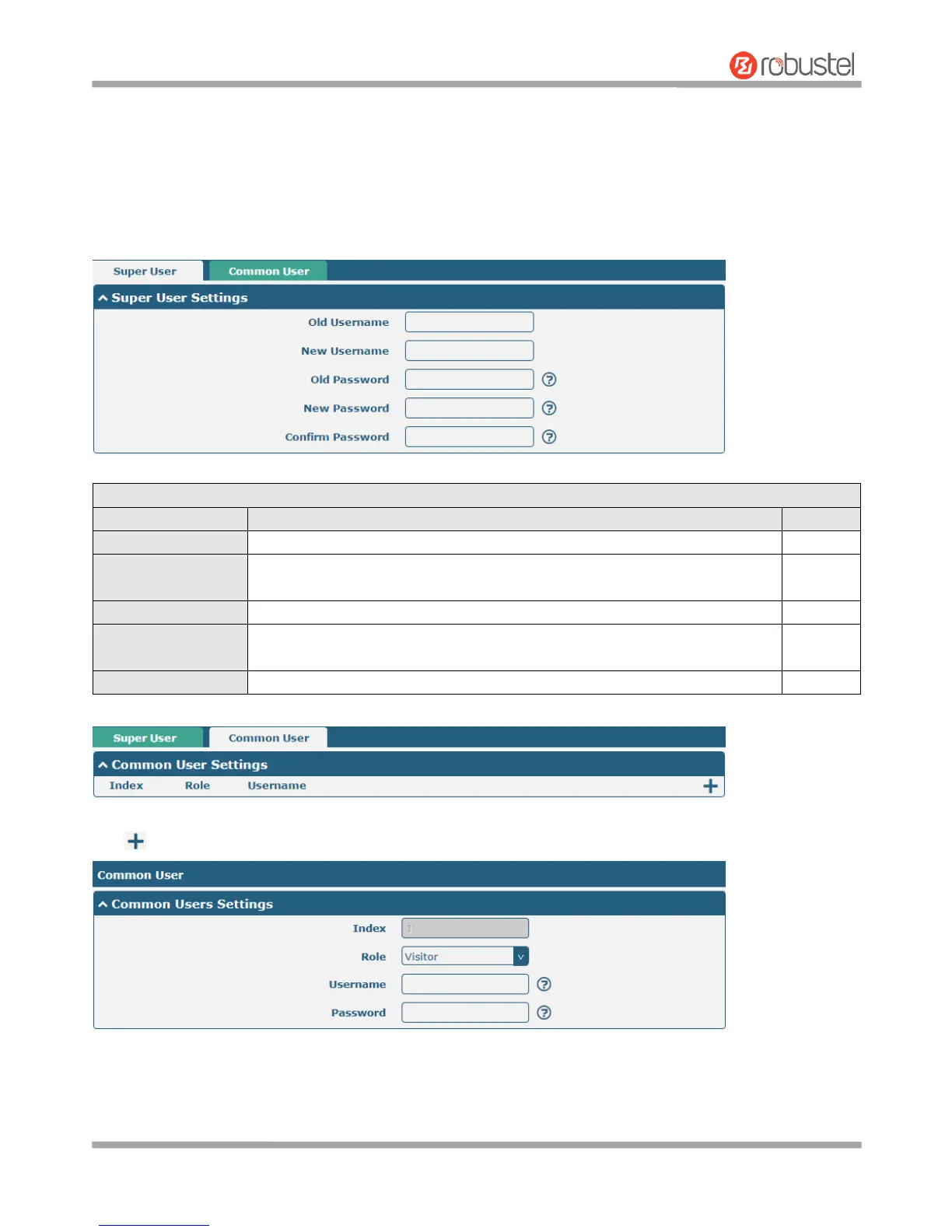
3.34 System > User Management
This section allows you to change your username and password, and create or manage user accounts. One router has
only one super user who has the highest authority to modify, add and manage other common users.
Note: Your new password must be more than 5 character and less than 32 characters and may contain numbers,
upper and lowercase letters, and standard symbols.
Enter a new username you want to create; valid characters are a-z, A-Z, 0-9,
@, ., -, #, $, and *.
Enter a new password you want to create; valid characters are a-z, A-Z, 0-9,
@, ., -, #, $, and *.













 To Next Page