Robustel R3000 Quad User Guide
RT_UG_R3000 Quad_v.3.0.0 28 May, 2017 75 / 131
Confidential
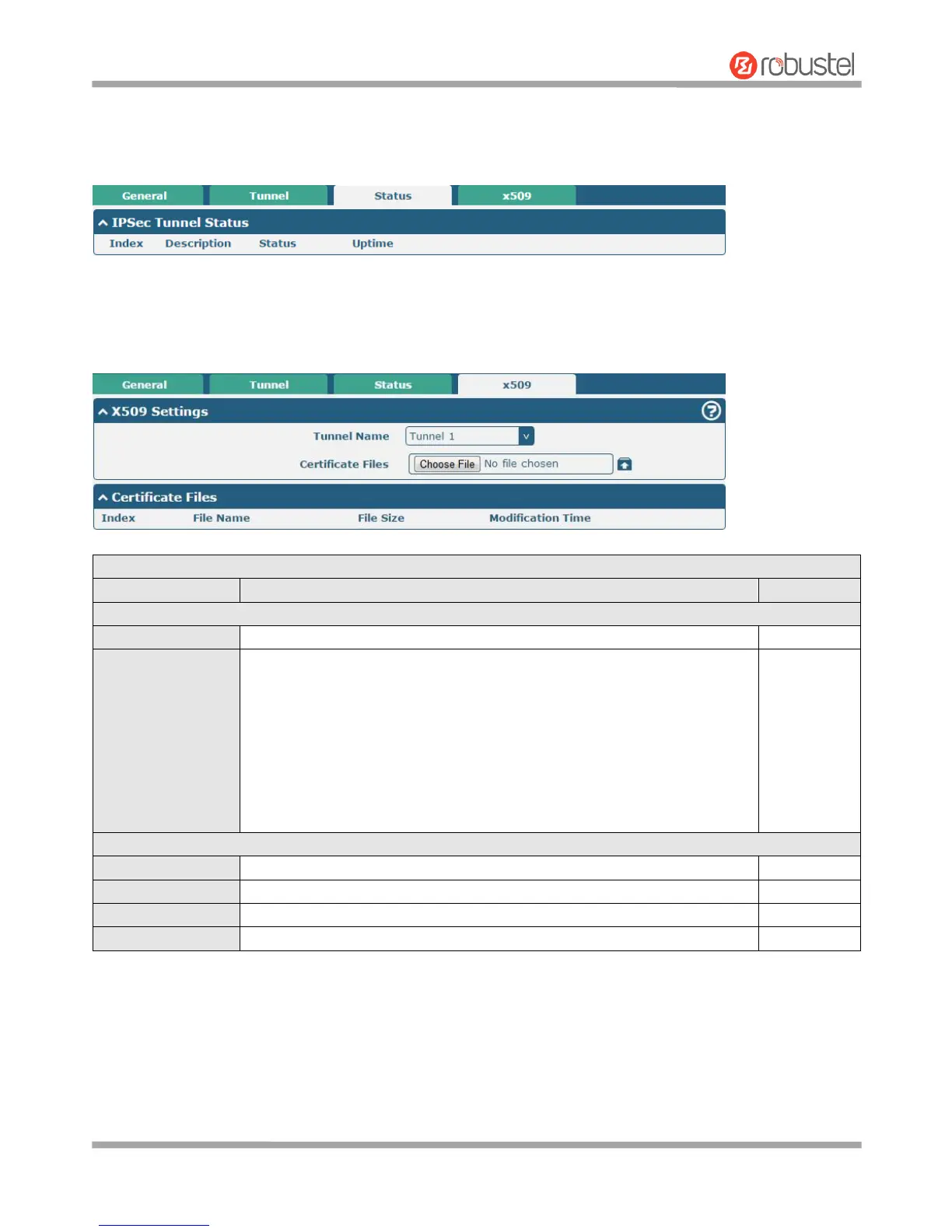
Status
This section allows you to view the status of the IPsec tunnel.
x509
User can upload the X509 certificates for the IPsec tunnel in this section.
Click on “Choose File” to locate the certificate file from your computer, and
then import this file into your router.
The correct file format is displayed as follows:
@ca.crt
@remote.crt
@local.crt
@private.key
@crl.pem
Indicate the ordinal of the list.
Show the imported certificate’s name.
Show the size of the certificate file.
Show the timestamp of that the last time to modify the certificate file.













 To Next Page