EasyManua.ls Logo

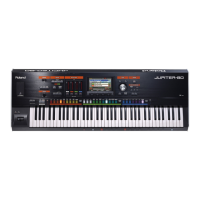
Roland Jupiter-80 - User Manual

Roland Jupiter-80
108 pages
Print Icon
To Next Page IconTo Next Page
Loading...
* 5 1 0 0 0 2 0 6 8 2 - 0 1 *

Table of Contents

Other manuals for Roland Jupiter-80

Questions and Answers

  • Z
    Zachary YoungAug 21, 2025
    What to do if there is no sound from my Roland Jupiter-80 Synthesizer?
    • K
      Kelsey PenaAug 22, 2025
      If you are not getting any sound from your Roland Synthesizer, here are a few things to check: * Ensure that the connected amplifier or speakers are powered on. * Adjust the volume of the connected equipment. * Adjust the [VOLUME] knob on the synthesizer itself. * Verify the MASTER EQ’s Level setting. * Make sure your amp, speakers, and headphones are correctly connected. * If you only hear sound through headphones, the connection cable may be broken, or your amp or mixer may have malfunctioned. Check these components. * Use a connection cable that does not contain a resistor.
  • M
    Michael GonzalezSep 4, 2025
    Why can't I back up my Roland Jupiter-80 Synthesizer to a USB flash drive?
    • P
      Parker HollowaySep 4, 2025
      If you can't back up to a USB flash drive with your Roland Synthesizer, it may be caused by: * Insufficient free space on the USB flash drive. Use a USB flash drive that has sufficient free space. * Incorrect format of the USB flash drive. Format the USB flash drive on the JUPITER-80.
  • B
    Beverly SanchezSep 2, 2025
    What to do if notes remain sounding when playing Roland Synthesizer?
    • V
      Vanessa FrazierSep 2, 2025
      If notes remain sounding when you play the keyboard on your Roland Synthesizer, the polarity of the hold pedal may be reversed. Check the system setting 'Hold Pedal Polarity'.
  • F
    Francisco VegaSep 1, 2025
    Why is the pitch wrong on my Roland Jupiter-80?
    • J
      Jacob BushSep 1, 2025
      If the pitch of your Roland Synthesizer is wrong, here are a few things you can check: * Verify the system setting 'Master Tune'. * Check the pedal and the pitch bender. * Examine the Coarse Tune and Fine Tune settings.
  • J
    Joshua TaylorAug 30, 2025
    What to do if notes are broken off on Roland Jupiter-80?
    • L
      Laurie AndersonAug 30, 2025
      If you're experiencing notes being cut off on your Roland Synthesizer, it's likely because more than 256 notes are being sounded simultaneously. To resolve this: * Reduce the number of layers in the Live Set you’re using. * Increase the voice reserve setting for layers in which notes must not drop out.
  • N
    Nicole ShermanAug 29, 2025
    What to check if there is no sound on Roland Jupiter-80?
    • Z
      Zachary LiuAug 29, 2025
      If you are not getting any sound from your Roland Synthesizer, check the following: * Turn the Local Switch setting on. * Check the Registration level, Part level, and the level of the Live Set layer. * Check the effect on/off settings and the effect levels. * Step on the pedal, move your hand above the D Beam controller, and check settings of the other controllers. * Turn on the [PERC]/[LOWER]/[UPPER]/[SOLO] buttons.
  • T
    Timothy TateAug 27, 2025
    How to troubleshoot no sound from specific keys on Roland Jupiter-80 Synthesizer?
    • A
      abbottabigailAug 27, 2025
      If you are not getting any sound from a specific range of keys on your Roland Synthesizer, check the key range settings.
  • W
    wesley84Aug 26, 2025
    How to eliminate noise and distortion in recorded sound on Roland Synthesizer?
    • D
      donnawilsonAug 26, 2025
      If you are hearing noise and distortion in the recorded sound on your Roland Synthesizer, the input sensitivity may be inappropriate. To fix this, raise the Recording Level knob as high as possible without causing the level meter’s CLIP indicator to light up in red.
  • A
    Angela HamiltonAug 25, 2025
    Why is the sound distorted on my Roland Jupiter-80 and how to fix it?
    • S
      Savannah WallsAug 25, 2025
      If the sound from your Roland Synthesizer is distorted, it could be due to a few reasons: * An effect might be applied that intentionally distorts the sound. If a specific Part or Live Set layer sounds distorted, try lowering the volume for that Part or Live Set layer. * The [VOLUME] knob might be set too high. Try lowering it. * Check the system setting 'SOUND' to ensure it's properly configured.
  • G
    gentryjenniferAug 23, 2025
    How to fix a Roland Jupiter-80 when the power won’t turn on?
    • R
      richardshannonAug 23, 2025
      If your Roland Synthesizer's power won't turn on, ensure the power cord is correctly connected. It is important to only use the AC adapter or power cord that was supplied with the unit. Using other adapters or cords can cause malfunctions.

Summary

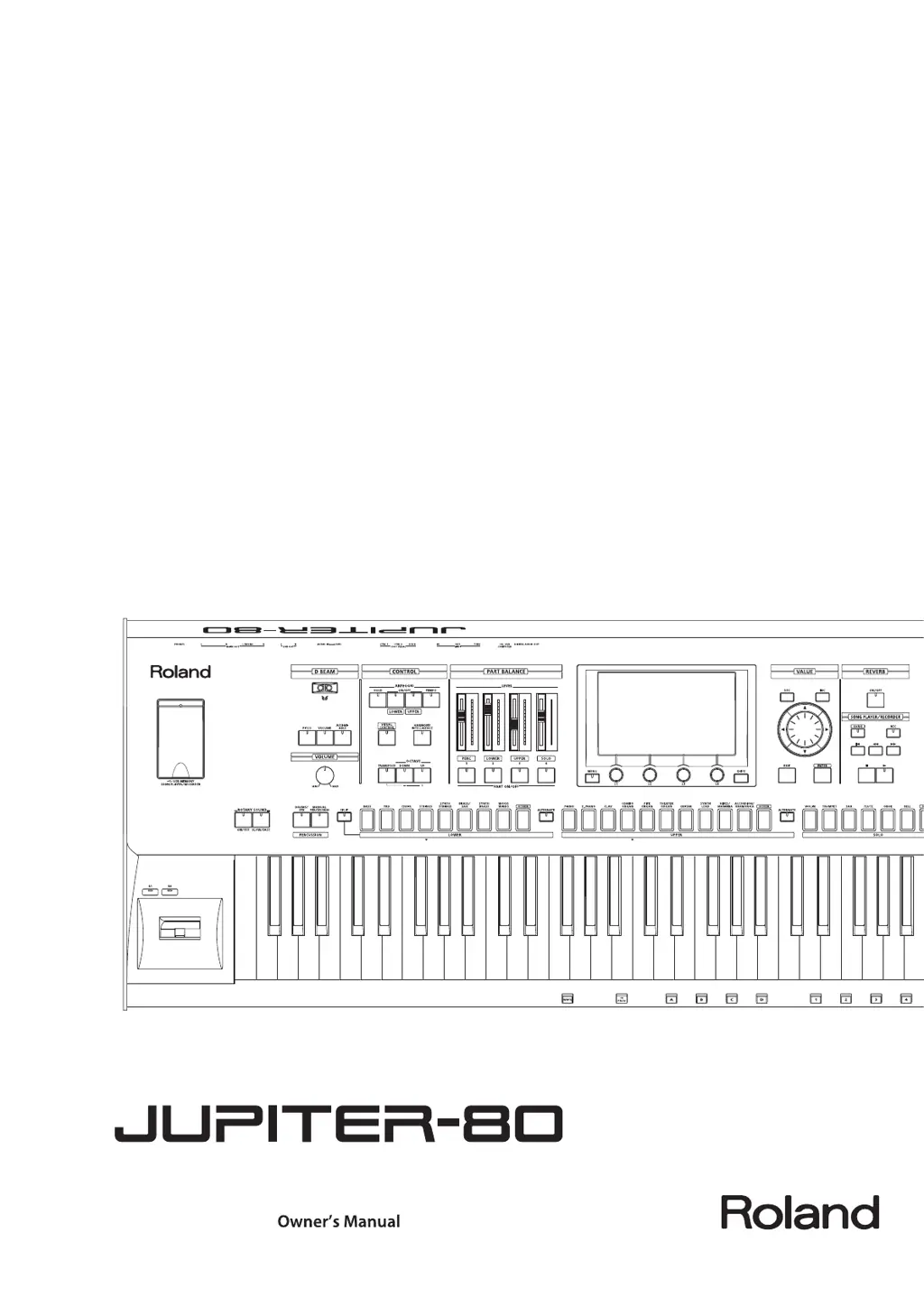
Panel Descriptions

Playing Sounds

Selecting the Sound for Each Part (Selecting Live Sets; Tones)

Guides on choosing sounds for Solo, Upper, Lower, and Percussion parts.

Controlling the Performance

Covers using D Beam, pitch bend, and other controllers for expressive playing.

Editing Sounds

Editing a Registration

Guides on modifying saved performance setups including sounds and parameters.

Editing a Live Set

Explains how to adjust Tones, effects, and parameters within a Live Set.

Editing a Synth Tone

Details how to create and modify original synth sounds using oscillators, filters, etc.

Settings and Convenient Functions

The JUPITER-80’s System Settings

Overview of global settings including MIDI, pedal assignments, and sound parameters.

Connecting Other Equipment

Connecting to Your Computer via USB

How to interface the JUPITER-80 with a computer for audio and MIDI data transfer.

Connecting an External MIDI Device

Guides on using MIDI for controlling external instruments or being controlled by them.

Appendix

Error Message List

Provides explanations and solutions for common error messages encountered.

Roland Jupiter-80 Specifications

General IconGeneral
Pitch wheelYes
Product typeDigital synthesizer
Product colorBlack
Sound effectsReverberation
Keyboard number of keys76
Maximum polyphony (notes)256
Headphone outputs1
USB ports quantity2
6.35 mm (1⁄4-inch) output6
Display typeLCD
Power source typeAC
Weight and Dimensions IconWeight and Dimensions
Depth439 mm
Width1231 mm
Height140 mm
Weight17700 g

Related product manuals