Reference Manual
00809-0100-4738, Rev DA
May 2006
4-12
Rosemount 3095FB
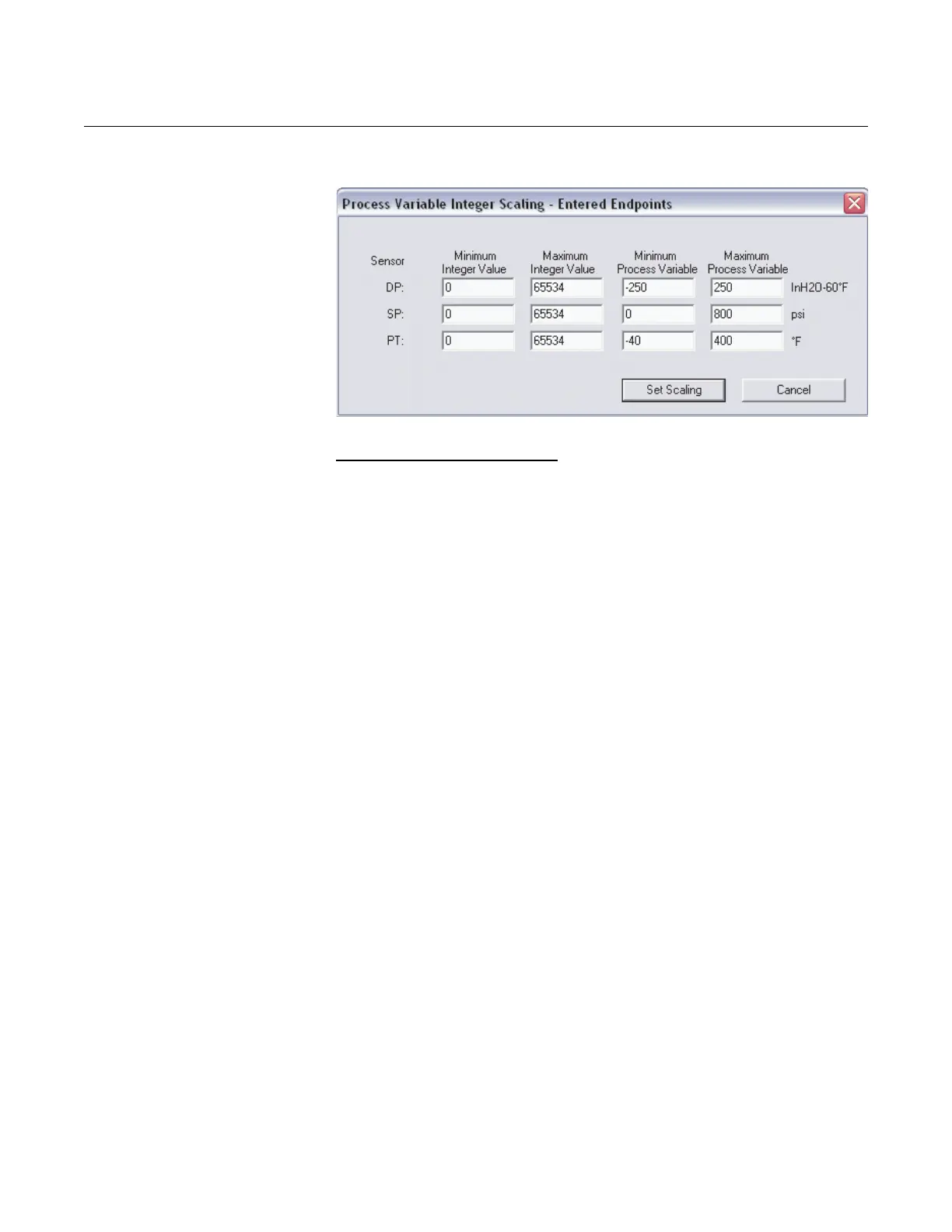
Figure 4-10. Integer Scaling - Entered Endpoints Screen
Entered Scale Factor and Offset
Entered Scale Factor and Offset converts floating point numbers into
integers through the equation:
where
y = scaled integer output
x = measured value of PV in current units
A = scale factor
B = offset of scaled integer
For more information, see section 5.3.1.2 in the Modbus Protocol Guide
located in chapter 3 of the manual.
1. Define the maximum integer count.
2. Calculate the scale factor (“A” in above equation) for each process
variable.
3. Calculate the offset (“B” in above equation) for each process variable.
4. Click Set Scaling to implement changes.
yA()x() B 32768–()–=











 To Next Page