Reference Manual
00809-0100-4738, Rev DA
May 2006
4-13
Rosemount 3095FB
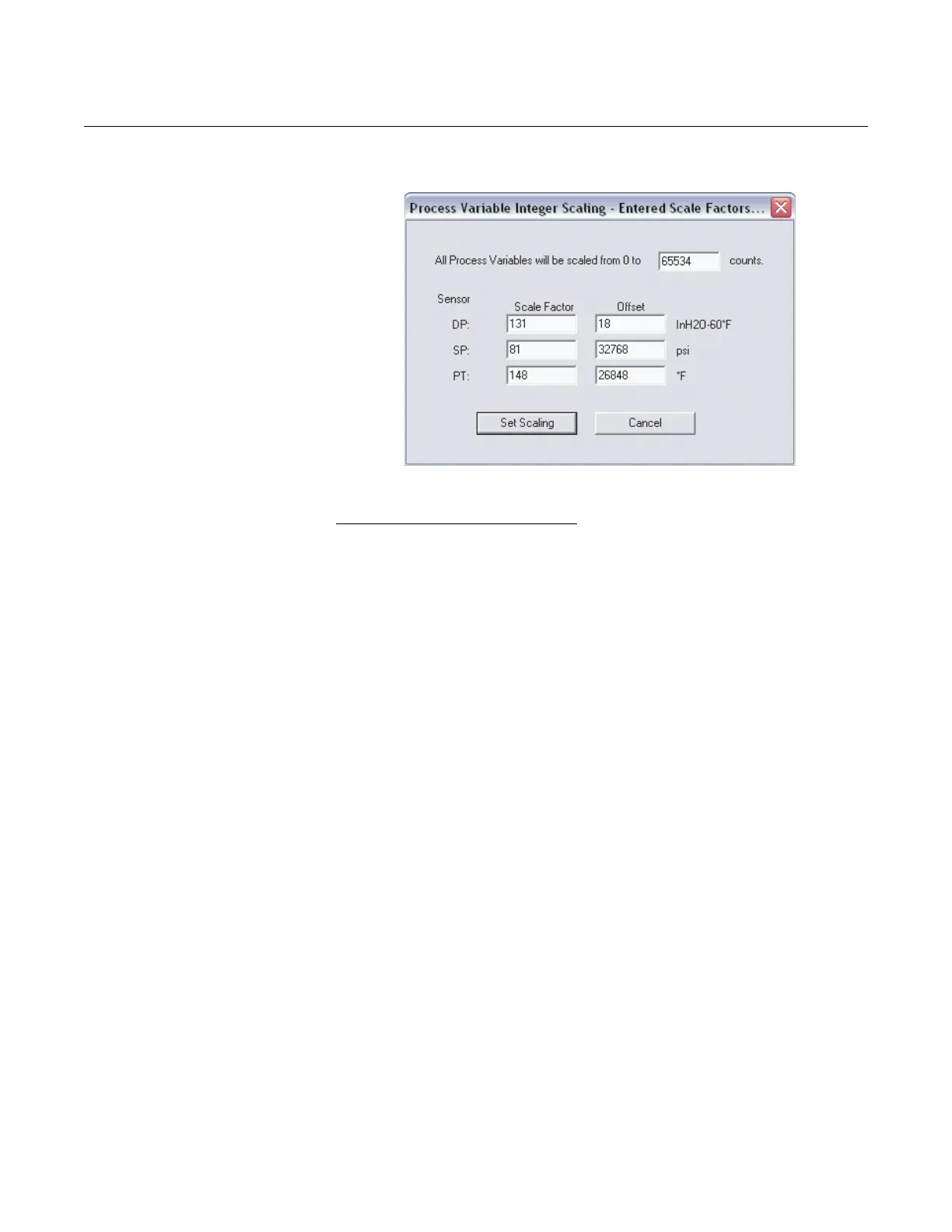
Figure 4-11. Integer Scaling - Entered Scale Factor and Offset Screen
Calculated Scale Factor and Offset
The Calculated Scale Factor and Offset option works the same way as the
Entered Scale Factor and Offset feature, only the User Interface
automatically calculates the values for the scale and offset.
1. Define the maximum integer count.
2. Chose the rounding method (all integers must be whole number
values).
3. Enter in the minimum and maximum process variable limits that will
correspond to 0 and the maximum integer count.
4. Click View Factors… to show the calculated scale factor and offset
values for the entered information in steps 1 – 3. Click OK to exit the
screen. Modify any of the inputs in steps 1 – 3 if desired.
5. Click Set Scaling to implement the changes.











 To Next Page