Reference Manual
00809-0100-4738, Rev DA
May 2006
Rosemount 3095FB
2-14
Identify the type of cable being used, and follow the installation steps specific
to the type of cable.
• Armored Shielded RTD Cable
• Shielded RTD Cable (intended for conduit use)
• CENELEC Flameproof RTD Cable
Installing an Armored Shielded RTD Cable
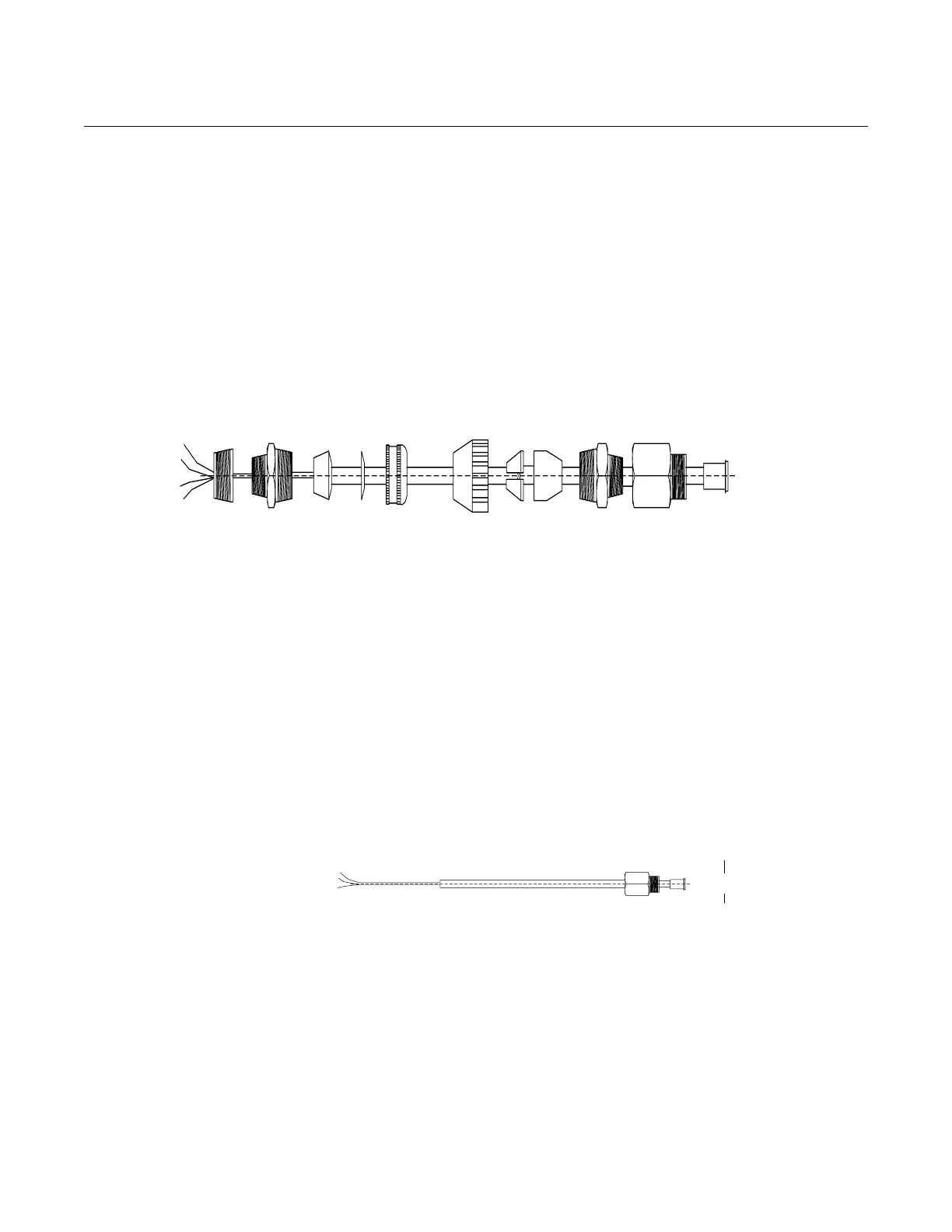
Figure 2-6 details a standard armored shielded RTD cable.
Figure 2-6. Armored Shielded RTD Cable
1. Fully engage the black cable connector to the 3095 RTD connector
(figure 2-9).
2. Tighten the cable adapter until metal contacts metal (figure 2-10).
3. Install the compression fitting
4. Use pliers to tighten the cap onto the compression fitting (figure 2-11).
Installing a Shielded RTD Cable (intended for conduit use)
Figure 2-7 details a standard shielded RTD cable.
Figure 2-7. Shielded RTD Cable
1. Fully engage the black cable connector to the 3095 RTD connector
(figure 2-9).
2. Tighten the cable adapter until metal contacts metal (figure 2-10).
Installing a CENELEC Flameproof RTD Cable
Figure 2-8 details a CENELEC flameproof RTD cable.
3095-0020D01A
Rubber Bushing
(Slide stop to edge
3
/4 to
1
/2–in. NPT
Adapter
(Screws into RTD
Connection Head)
Compression Fitting
Connect to
transmitter
Compression
Fitting
Cap
Cap
Brushing
Washer
Cable Adapter
1
/2–14 NPT
Black Cable Connector











 To Next Page