Ultritouch+Ultrix User Guide (v1.0) Creating a Soft Panel for Ultritouch • 27
The Favorites table updates to include the new button type.
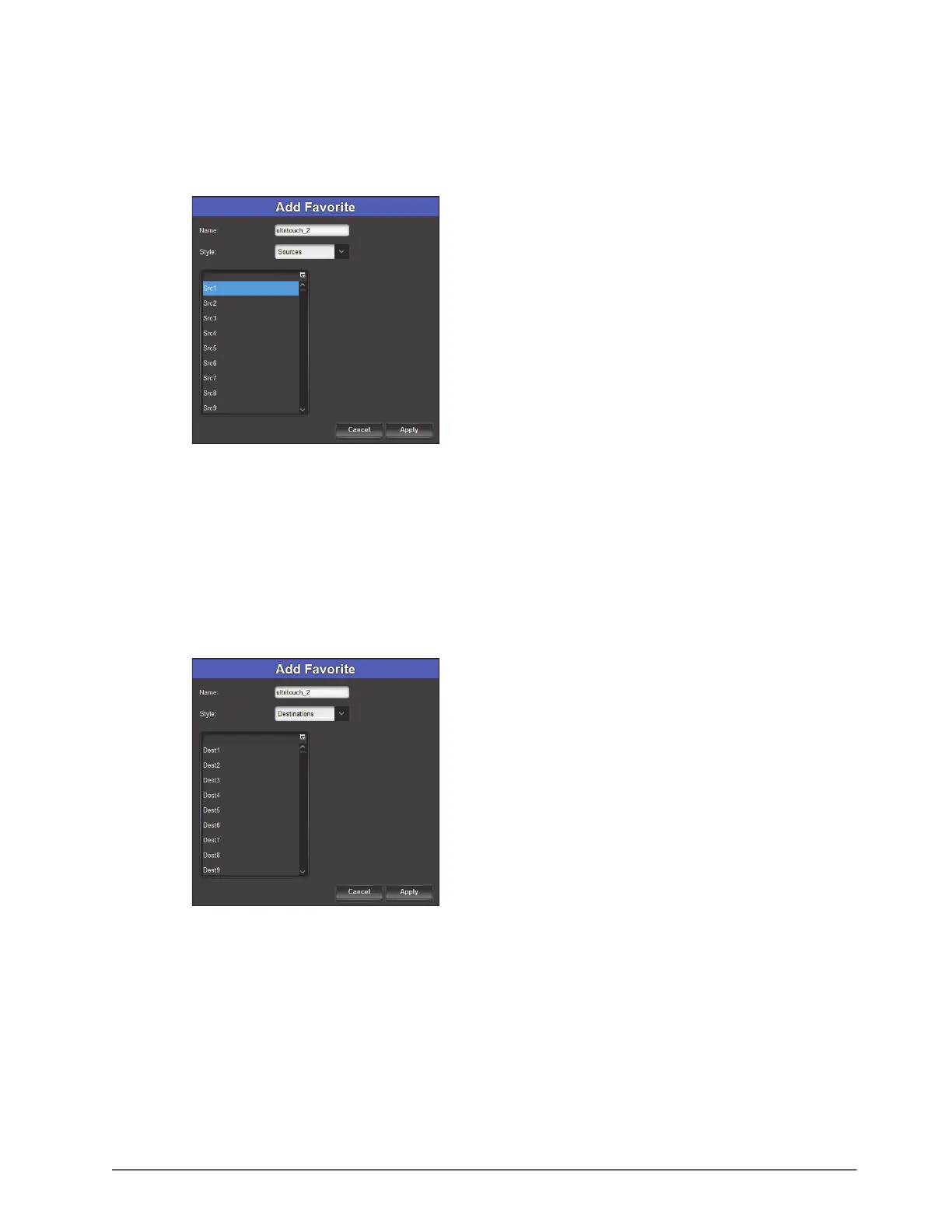
To configure a Sources button
1. Set the Style to Sources.
The dialog updates to display a list of available sources in the current database.
2. Select the source to access when this Favorite button is tapped on the panel.
3. Click
Apply.
The Add Favorites dialog closes.
The Favorites table updates to include the new button type.
To configure a Destination button
1. Set the Style to Destinations.
The dialog updates to display a list of available destinations in the current database.
2. Select the destination to access when this Favorite button is tapped on the panel
3. Click
Apply.
The Add Favorites dialog closes.
The Favorites table updates to include the new button type.



 To Next Page