ER-650/650R Service Mode Programming • 113
IRC Options
1. At the SM control lock position menu, press 7 for IRC Option programming.
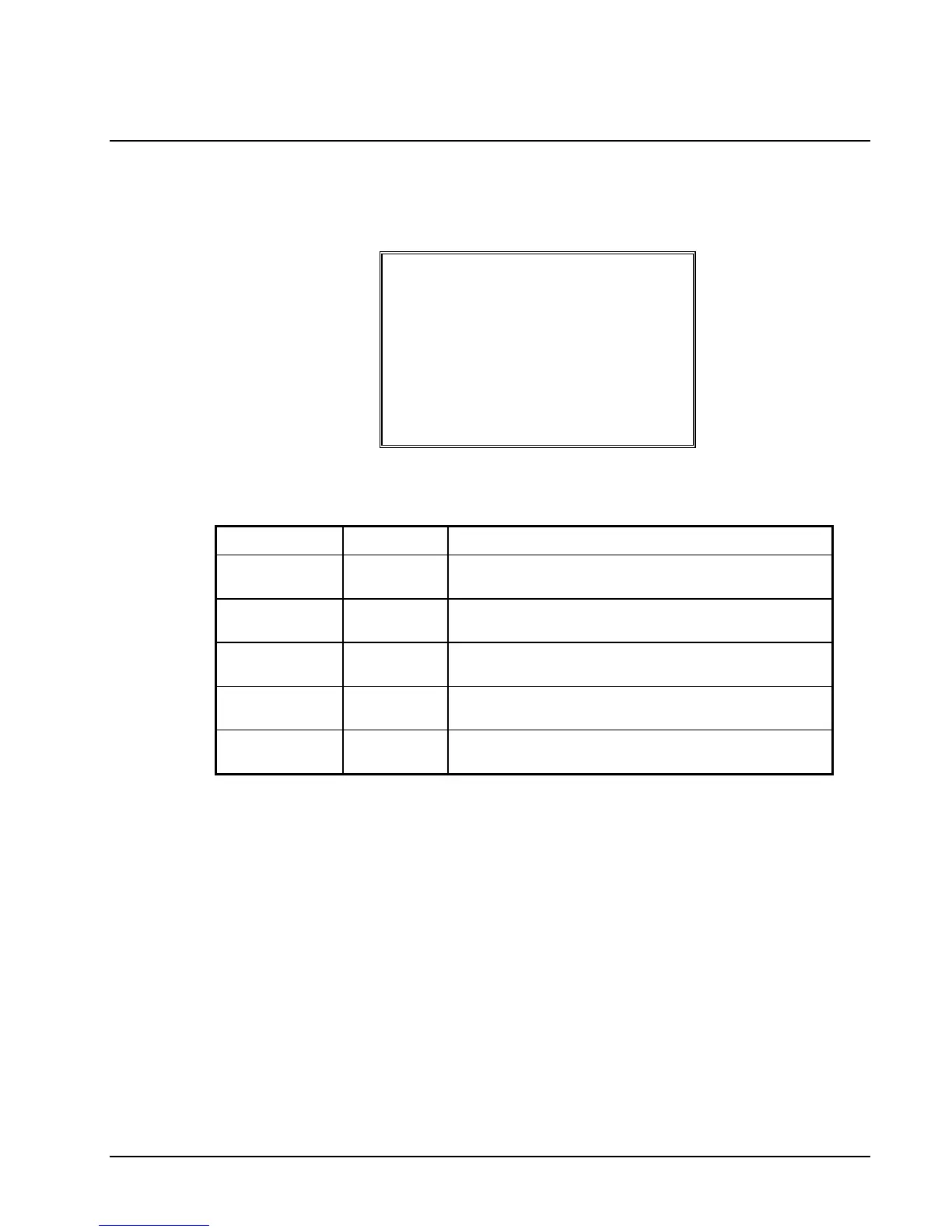
The IRC OPTIONS screen displays:
IRC OPTIONS
REG# (1-8) 1
STORE# 000000
FROM REG# 1
TO REG# 1
IRC RETRIES(0-99) 3
2. Refer to the table below to fill the fields on the IRC OPTIONS screen.
3. Press the CLEAR key to finalize and return to the SERVICE MODE screen.
Option Entry Description
REG# Numeric
1 digit
Enter the IRC number of this register (1-8).
STORE# Numeric
6 digits
Enter the store number.
FROM REG# Numeric
1 digit
Enter the first register number in the IRC system.
TO REG# Numeric
1 digit
Enter the last register number in the IRC system.
IRC RETRIES Numeric
2 digits
Each retry equals approximately 0.5 seconds.



 To Next Page