32 • Operating Instructions ER-650/650R
Open Code Entry PLU
If the PRESET status of a PLU is set to N (no), the PLU will operate as an open PLU. See
"PLU Programming" in the "Program Mode Programming" chapter to program PLU
descriptors and options.
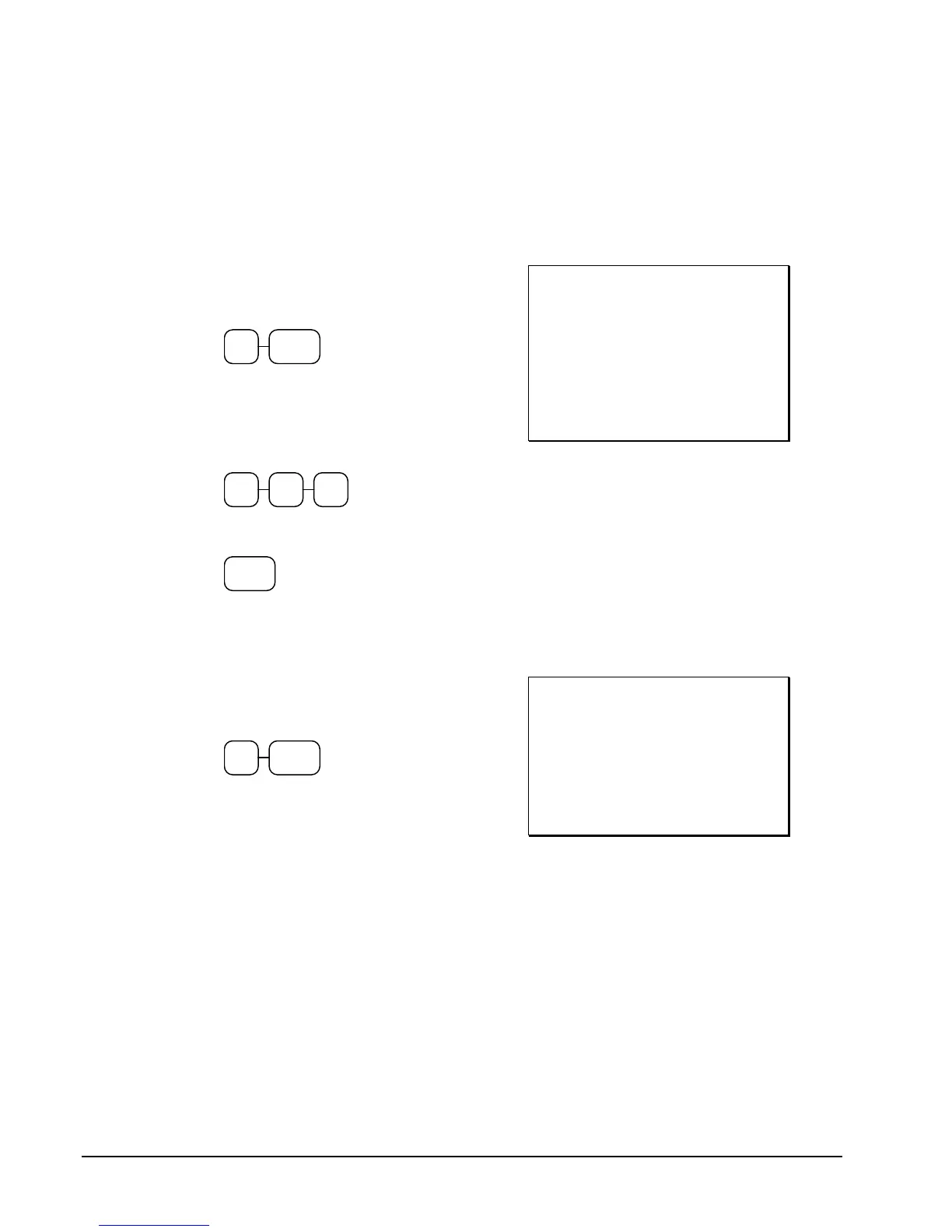
1. Enter the PLU number; press the PLU
key. For example, enter:
2 PLU
2. The display will prompt "ENTER
PRICE". Enter an amount on the ten
key pad. Do not use the decimal key.
For example, for $2.99, enter:
2 9 9
3. Press the PLU key again.
PLU
THANK-YOU
CALL AGAIN
DATE 08/15/1999 SUN TIME 08:33
PLU2 T1 $2.99
TAX1 $0.18
TOTAL $3.17
CASH $3.17
CLERK 1 No.000011 00001
Preset Price Code Entry PLU
1. Enter the PLU number; press the PLU
key. For example, enter:
1 PLU
THANK-YOU
CALL AGAIN
DATE 08/15/1999 SUN TIME 08:33
PLU1 $1.29
TOTAL $1.29
CASH $1.29
CLERK 1 No.000011 00001



 To Next Page