ENG-25
Basic Functions
BASIC FUNCTIONS
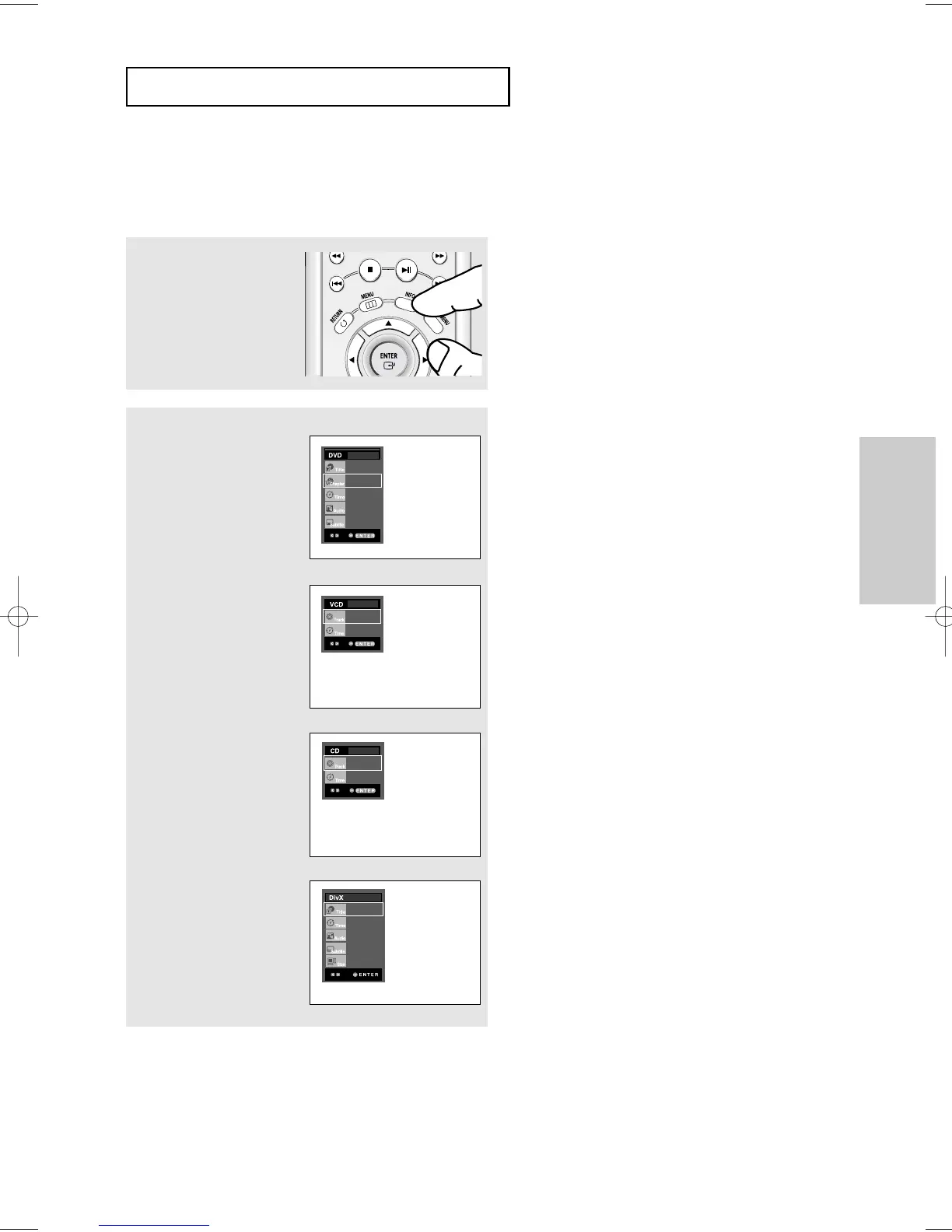
Using the Display Function
When Playing a DVD/VCD/CD/MPEG4
1
During play, press the
INFO button on the remote
control.
▼
You can select Info in the function menu by
pressing the MENU button.
2
Press the "/❷ buttons to
select the desired item.
DVD
VCD
CD
▼
When VCD2.0 is in Menu Off mode only, this
function works. Select Menu Off by pressing the
DISC MENU buton.
01
02
0:00:13
ENG 5.1CH
Off
01
0:00:43
01
0:00:48
MPEG4
01
0:00:13
MP3 1/8
None
640x272













 To Next Page