ENG-27
Basic Functions
BASIC FUNCTIONS
Using the Disc and Title Menu
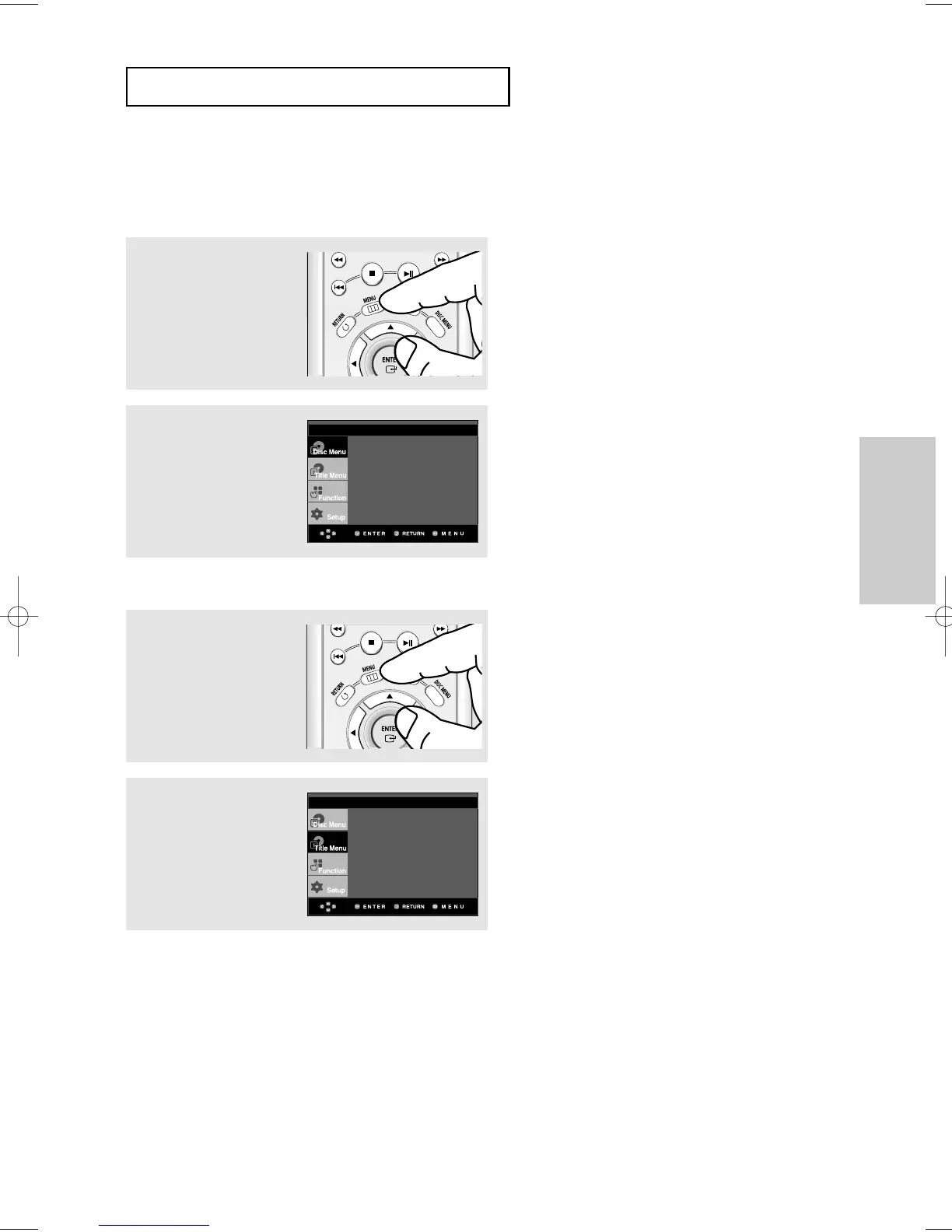
Using the Disc Menu (DVD)
1
During the playback of a
DVD disc, press the MENU
button on the remote
control.
2
Press the "/❷ buttons to
select Disc Menu, then
press the ❿ or ENTER
button.
Note
- Depending on a disc, the Disc Menu may not
work.
- You can also use the Disc Menu, using the DISC
MENU button on the remote control.
- In VCD 2.0 the DISC MENU button is used to
select Menu On or Menu Off mode.
Using the Title Menu (DVD)
1
During the playback of a
DVD disc, press the MENU
button on the remote
control.
2
Press the "/❷ buttons to
select Title Menu, then
press the
❿ or ENTER
button.
Note
- Depending on a disc, the Title Menu may not
work.
- Title Menu will only be displayed if there are at
least two titles in the disc.
Press ENTER key
for Disc Menu
Press ENTER key
for Title Menu













 To Next Page