ENG-31
Basic Functions
BASIC FUNCTIONS
Program Play & Random Play
Program Play (CD)
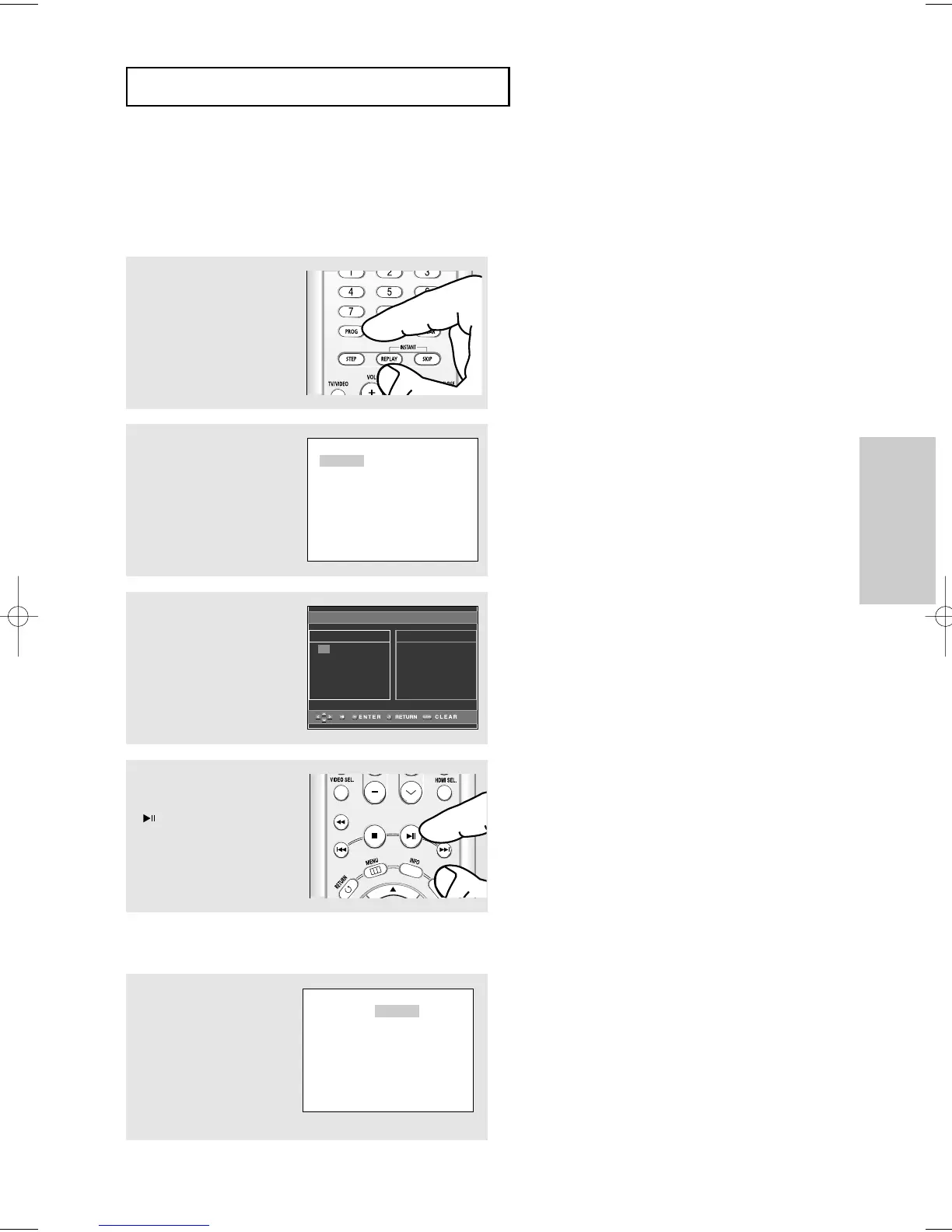
Program Play allows you to select the order in which you want tracks to play.
1
During play, press the
PROG button.
Random Play (CD)
Random Play plays a disc's tracks in random order.
1
Press the PROG button.
2
Press the ➛/❿ buttons to
select RANDOM.
Press the ENTER button.
2
Press the ➛/❿ buttons to
select PROGRAM.
Press the ENTER button.
3
Press the "/❷/➛/❿
buttons to select the first
track to add to the program.
Press the ENTER button.
The selection numbers
appear in the Program
Order box.
▼
- To return to the previous menu screen, press
the RETURN button.
- To cancel the selected program order, press
the CLEAR button.
- This unit can support a maximum of 20
programmed tracks.
Note
- Depending on a disc, the Program and Random
Play functions may not work.
- While in playback mode, press the CLEAR button
on the remote control to cancel Program Play or
Random Play.













 To Next Page