ENG-39
Advanced
Functions
ADVANCED
FUNCTIONS
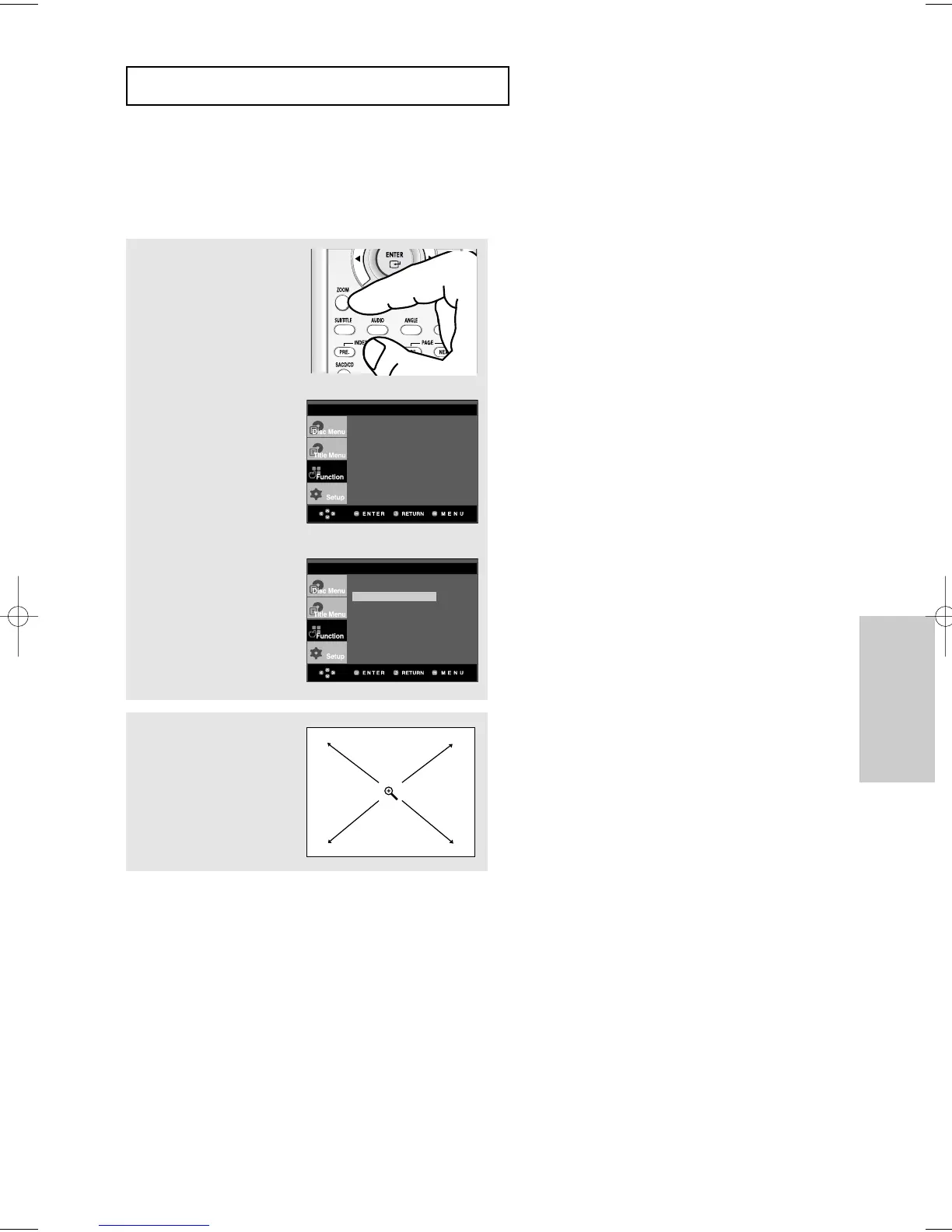
Using the Zoom Function
Using the Zoom Function (DVD/VCD)
1
During play, press the ZOOM
button on the remote control.
Using the MENU button.
During play or pause mode,
press the MENU button on
the remote control.
Press the
$
/
❷
buttons to
select Zoom, then press
the
❿
or ENTER button.
2
Press the
$
/
❷
or
➛/❿
buttons to select the part
of the screen you want to
zoom in on.
Press the ENTER button.
▼
During DVD play, press ENTER to zoom in
2X/4X/2X/Normal in order.
During VCD play, press ENTER to zoom in
2X/Normal in order.
Press the
$
/
❷
buttons to
select Function, then
press the
❿
or ENTER
button.
Note
When VCD2.0 is in Menu Off mode only, this
function works. Select Menu Off by pressing the
DISC MENU buton.
Info
Zoom
Bookmark
Repeat
EZ View
Front Display : On
Info
Zoom
Bookmark
Repeat
EZ View
Front Display : On













 To Next Page