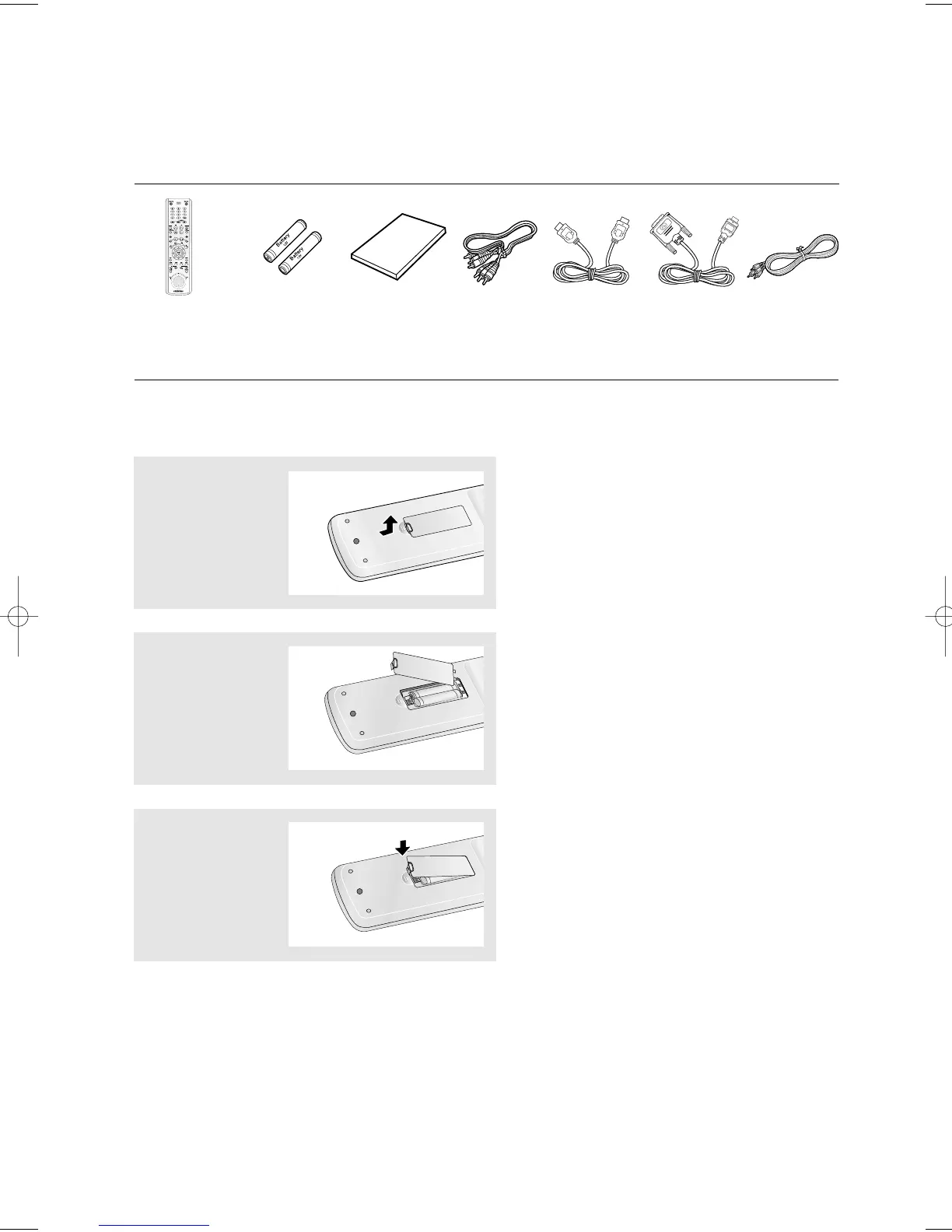
Install Batteries in the Remote control
1
Open the battery
cover on the back of
the remote control.
2
Insert two AAA batteries.
Make sure that the
polarities (+ and -) are
aligned correctly.
3
Replace the battery
cover.
If the remote control doesn’t operate properly:
- Check the polarity + - of the batteries (Dry-Cell).
- Check if the batteries are drained.
- Check if remote control sensor is blocked by obstacles.
- Check if there is any fluorescent lighting nearby.
Before you start
Accessories
ENG-4
Remote Control
Batteries for
Remote Control
(AAA Size)
User’s Manual Video/Audio
Cable
HDMI Cable HDMI - DVI
Cable
Anynet Cable













 To Next Page