ENG-49
Advanced
Functions
ADVANCED
FUNCTIONS
MPEG4 Playback
MPEG4 Play Function
AVI files are used to contain the audio and video data. Only AVI format files with the
“.avi” extensions can be played.
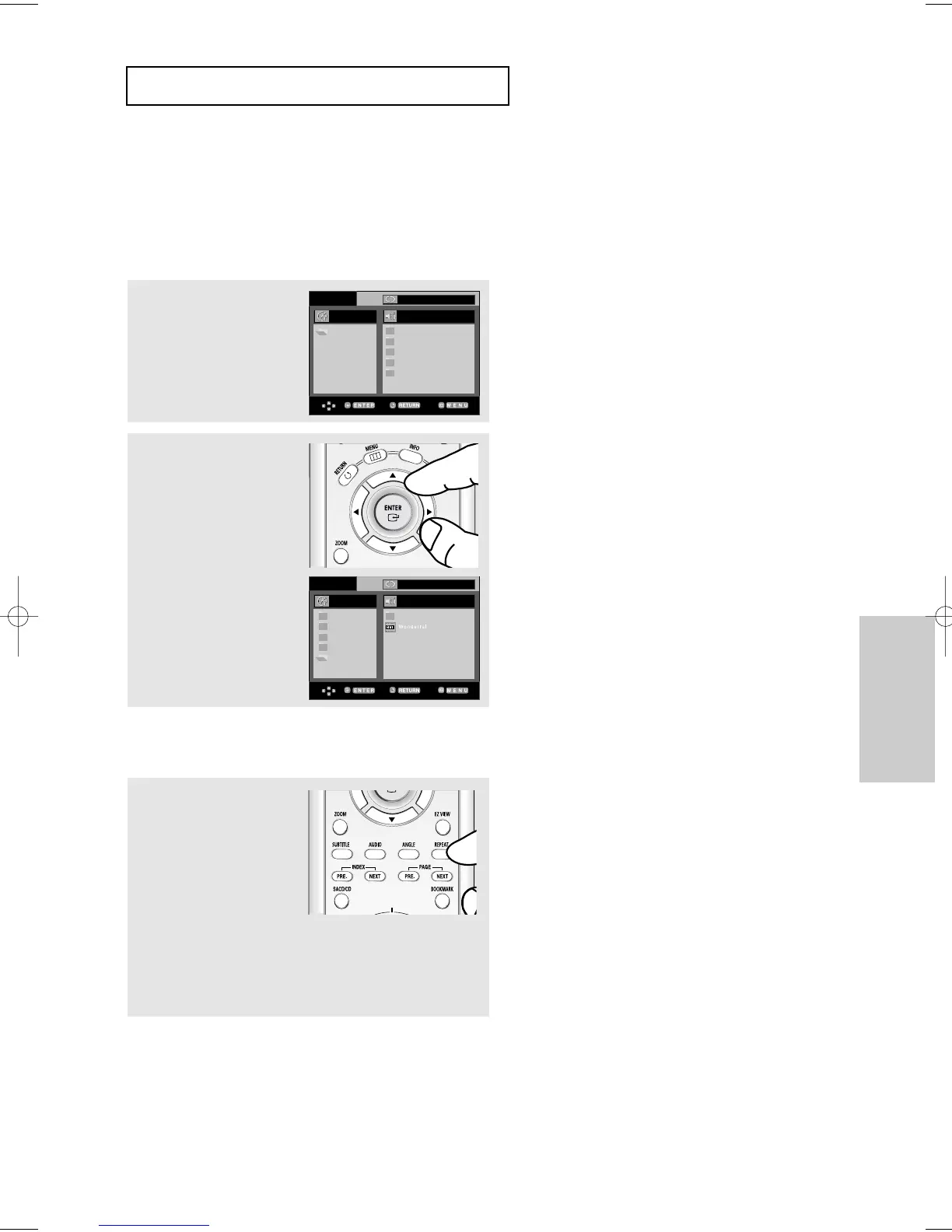
1
Open the disc tray.
Place the disc on the tray.
Close the tray.
2
Press the
$
/
❷
or
➛/❿
buttons to select an avi file
(DivX/XviD), then press the
ENTER button.
Repeat Playback
1
Press the REPEAT button
to change playback mode.
There are 4 modes, such
as Off, Folder, Title and
A-B (a distance between
two points appointed by
user).
- Folder : Repeats the AVI files which have the same extension
in the current folder.
- Title : repeats the title that is playing.
- A-B : repeats a segment of the file that you select.













 To Next Page