ENG-28
BASIC FUNCTIONS
Using the Function Menu
Using the Function Menu (DVD/VCD)
1
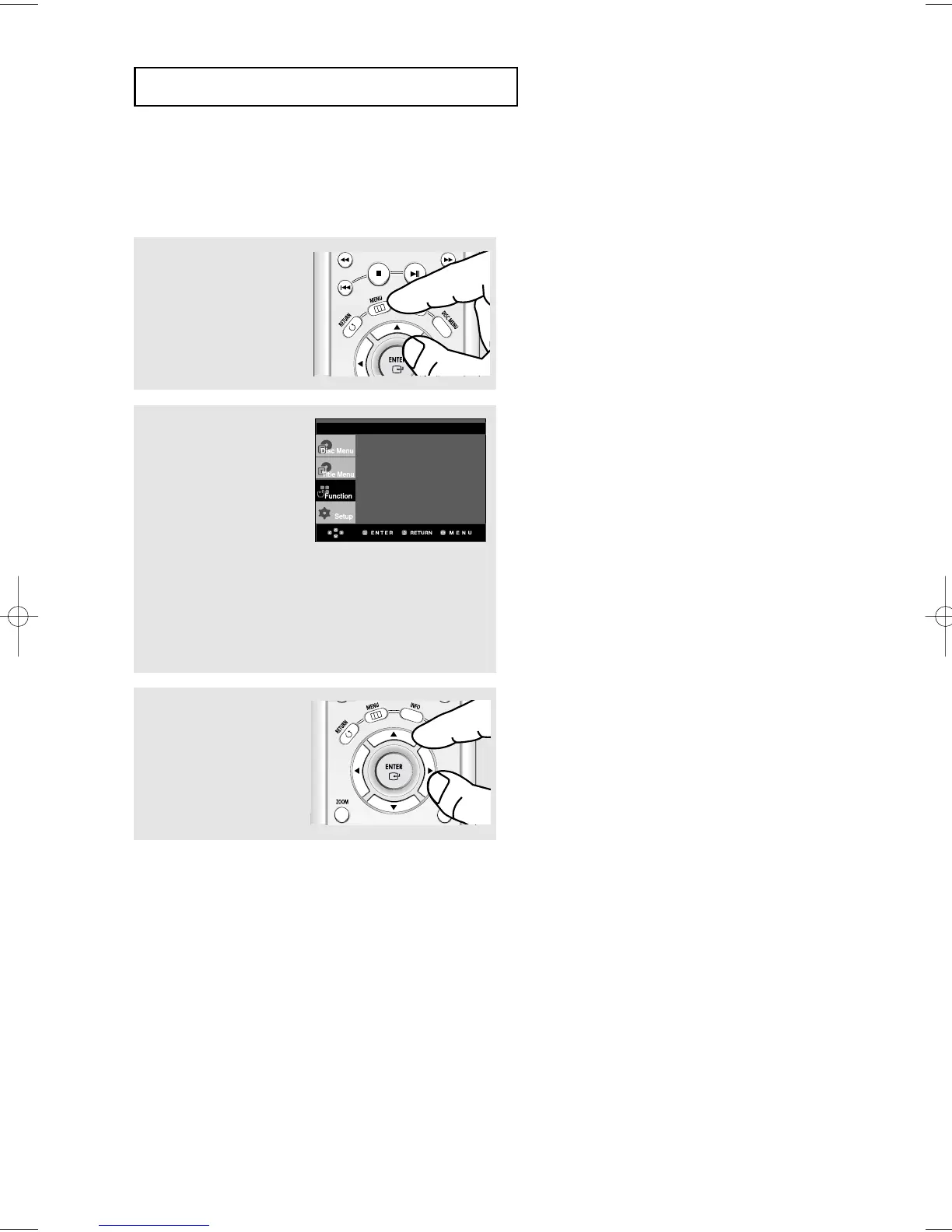
Press the MENU button
during playback.
2
Press the "/❷ buttons to
select Function, then press
the ❿ or ENTER button.
- Info (See pages 25 to 26)
- Zoom (See page 39)
- Bookmark
(See pages 37 to 38)
- Repeat (See pages 29 to 30)
- EZ View
(See pages 32 to 33)
- Front Display
Lights when the front display
is selected ON.
▼
You can also directly select these functions
using their respective buttons on the remote
control.
Note
- When VCD2.0 is in Menu Off mode only, this
function works. Select Menu Off by pressing the
DISC MENU buton.
3
Press the "/❷ buttons to
select one of the six
functions. Then press the
❿ or ENTER button to
access the function.
Info
Zoom
Bookmark
Repeat
EZ View
Front Display : On













 To Next Page