ENG-40
ADVANCED
FUNCTIONS
5
To make the screen
disappear, press the INFO
button again.
DVD AUDIO Playback
1
Open the disc tray.
Place the DVD AUDIO disc on the tray.
- Place the DVD AUDIO disc with the labeled side up.
Close the tray.
- The tray closes and disc plays.
2
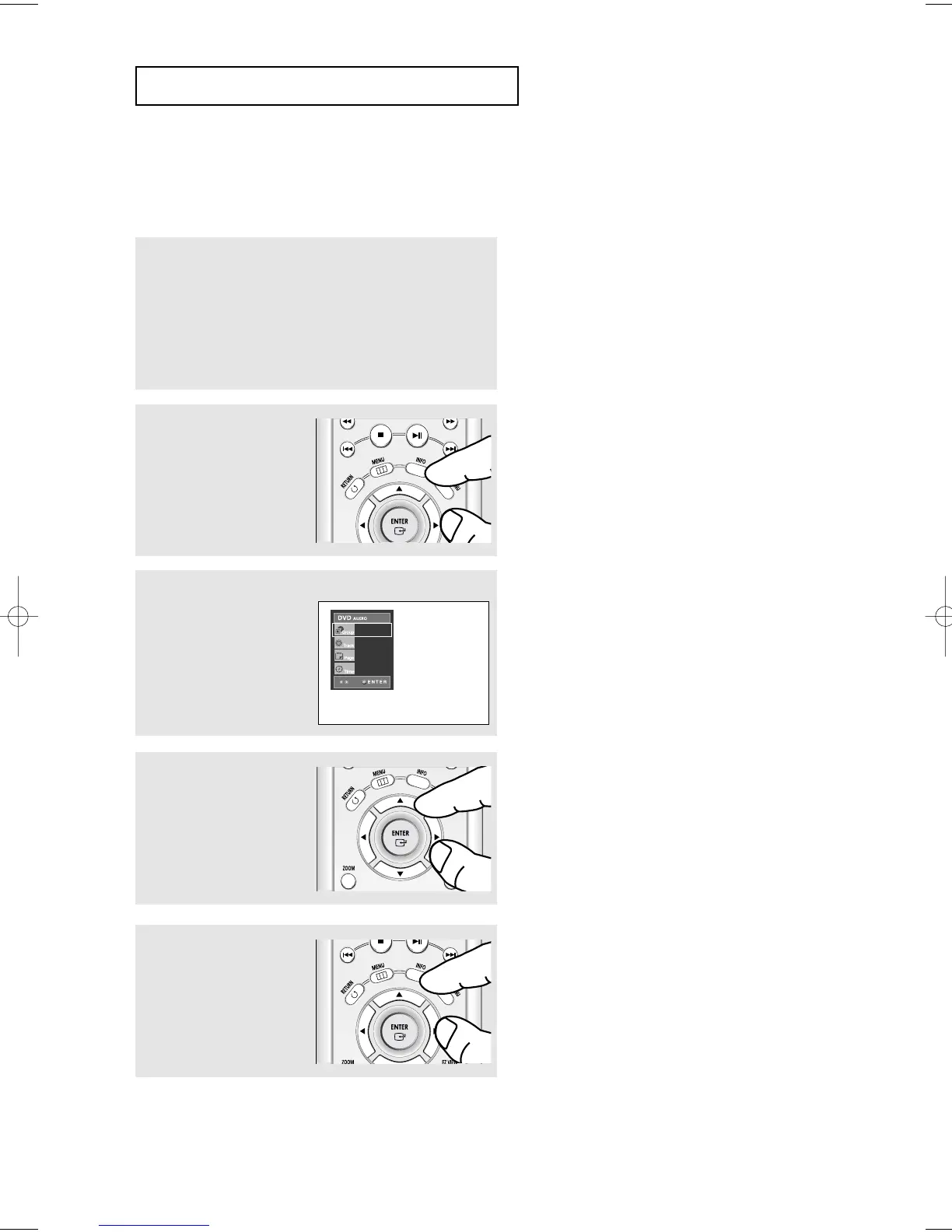
During play, press the INFO
button on the remote
control.
▼
You can select Info in the function menu by
pressing the MENU button.
4
Press the ➛/❿ buttons to
make the desired setup and
then press the ENTER
button.
▼
You may use the number buttons of the remote
control to directly access a Group, Track, Page
or to start the playback from the desired time.
▼
Some DVD-AUDIO discs don’t down-mix audio.
These discs always output 5.1ch analog audio
regardless of audio setup.
3
Press the $/❷ buttons to
select the desired item.
DVD-AUDIO
01
01
01
0:00:13













 To Next Page