ENG-60
CHANGING
SETUP MENU
Using the Subtitle Language
4
Press the
$
/
❷
buttons to
select Subtitle, then press
the
❿
or ENTER button.
5
Press the
$
/
❷
buttons to
select the desired
language, then press the
❿
or ENTER button.
▼
- Select “Automatic” if you want the subtitle
language to be the same as the language
selected as the audio language.
- Select “Others” if the language you want is
not listed. Some discs may not contain the
language you select as your initial language;
in that case the disc will use its original
language setting.
- The language is selected and the screen
returns to setup menu.
- To make the setup menu disappear, press the
MENU button.
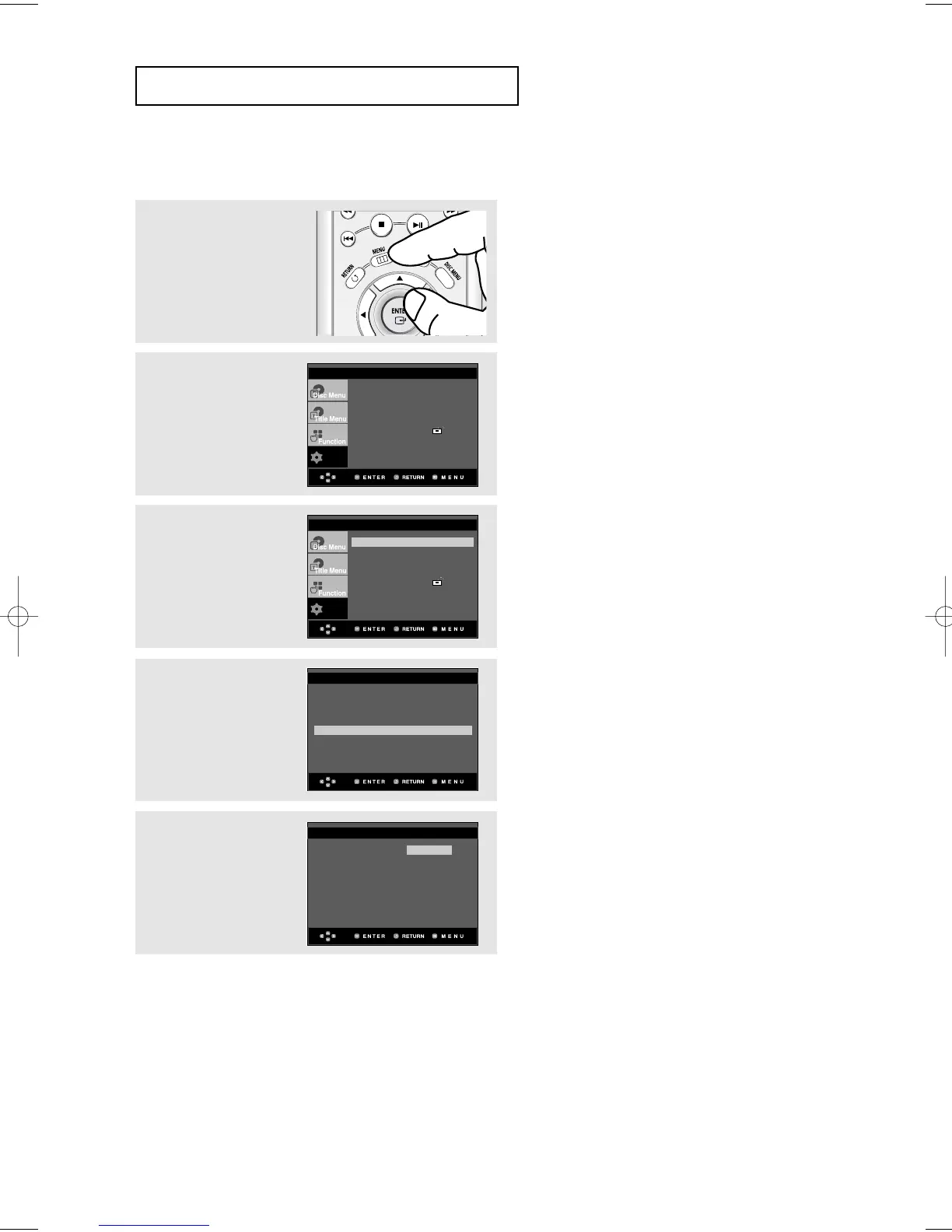
1
With the unit in Stop
mode, press the MENU
button.
2
Press the
$
/
❷
buttons to
select Setup, then press
the
❿
or ENTER button.
3
Press the
$
/
❷
buttons to
select Language Setup,
then press the
❿
or
ENTER button.
Player Menu : English
❿
Disc Menu : English
❿
Audio : English
❿
Subtitle : Automatic
❿
LANGUAGE SETUP













 To Next Page