EasyManua.ls Logo

Samsung DVD-HD950 - Setting Speaker Setup

Samsung DVD-HD950
162 pages
Print Icon
To Next Page IconTo Next Page
To Previous Page IconTo Previous Page
Loading...
ENG-56
CHANGING
SETUP MENU
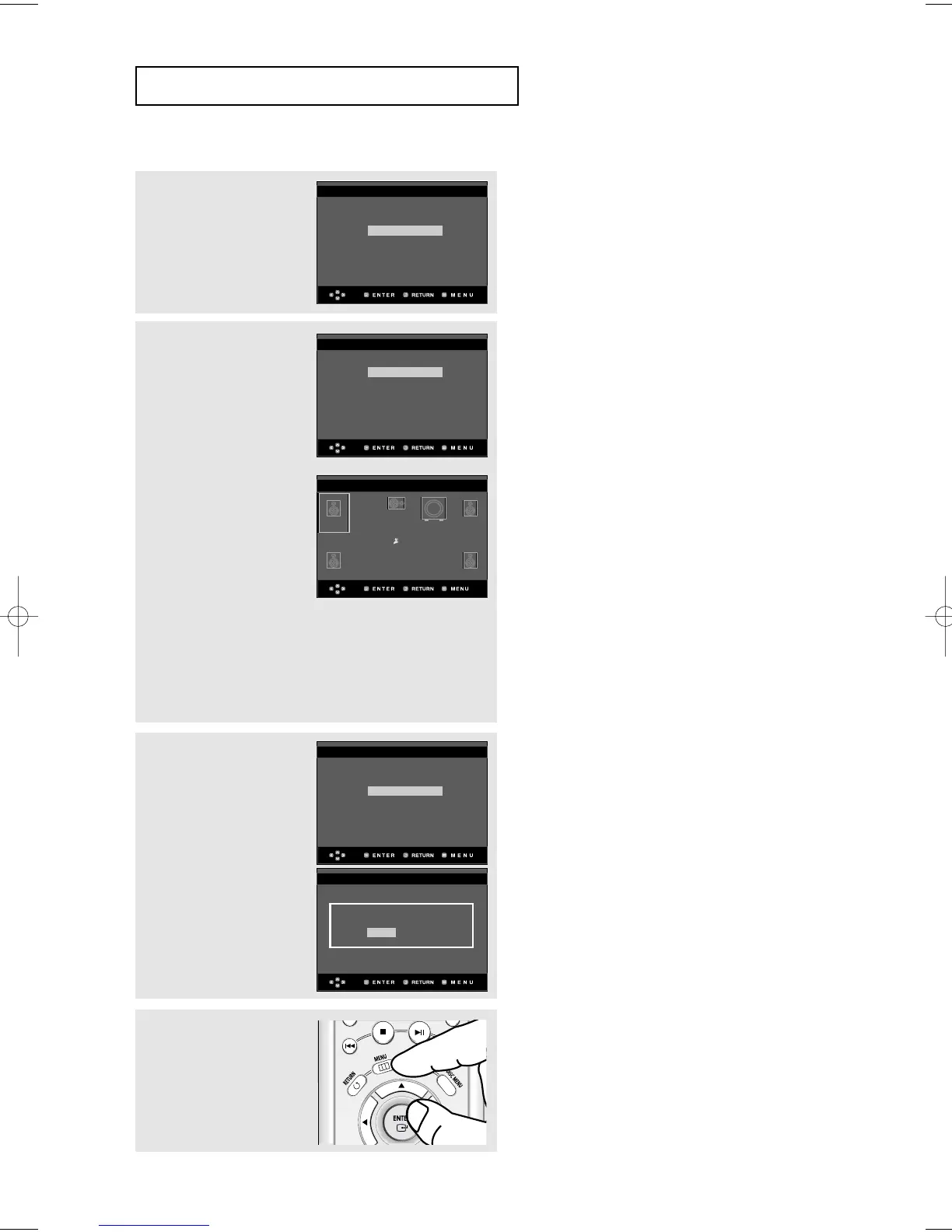
7
Press the
$/
buttons to
select the PCM Down
Sampling On or Off, then
press the ENTER button.
(See page 62)
8
If an AV Receiver is
connected to the TV,
press the
$/
buttons to
select Connected, then
press the ENTER button.
Press the
$///
buttons to select desired
item, then press the
ENTER button to set the
speaker. (See page 64)
When finished setting the
speaker, press the
$///
buttons to
select END, then press
the ENTER button.
You can also use the
RETURN button to exit.
8
-1
If an AV Receiver is not
connected to the TV,
press the
$
/
buttons to
select Not connected,
then press the ENTER
button.
Press the ENTER to
finish.
EZ SETUP
PCM Down Sampling
Off
On
EZ SETUP
EZ SETUP
AV Receiver Connected?
Connected
Not Connected
EZ SETUP
L
SL
R
SR
C
LFE
EZ SETUP
Small Small
User
END
Small
Small Small
On
AV Receiver Connected?
Connected
Not Connected
9
Press the MENU button to
exit.
Settings Complete
Press ENTER to Exit
00640D-HD950-XST-2 Eng 21/07/2005 11:17 Page 56

Table of Contents

Other manuals for Samsung DVD-HD950

Related product manuals